
7 Best AI Tools for Social Media Marketing in 2025
Discover the top 7 AI tools for social media marketing in 2025. Streamline content creation, scheduling, and analytics to boost your strategy.
The social media landscape moves faster than ever. Keeping up with trends, creating engaging content, and managing multiple platforms feels like a full-time job for a whole team. But what if you could have a co-pilot, an intelligent assistant that handles the heavy lifting, from generating viral video ideas to analyzing performance data? That's precisely where AI tools for social media marketing come in. These platforms are no longer a futuristic concept; they are essential for anyone serious about growing an online presence efficiently.
This guide isn't just another generic list. It's a strategic breakdown of the platforms that can automate your workflow, multiply your creative output, and give you back the time to focus on the big picture. We'll explore seven standout tools, from all-in-one content engines like ViewPrinter to specialized platforms like Jasper, showing you exactly how to integrate them into your strategy for maximum impact. Each entry includes direct links and screenshots to help you visualize its application.
The goal is simple: to help you cut through the noise and find the right solutions for your specific needs, whether you're a solo entrepreneur, part of a digital marketing agency, or a content creator. We’ll cover AI-powered content generation, copywriting, analytics, and automation. AI's reach even extends into innovative applications like creating virtual personalities; in fact, you can learn how to create AI influencers to build a unique digital presence from scratch. This comprehensive roundup provides the actionable insights you need to turn artificial intelligence into your most powerful marketing asset.
1. ViewPrinter
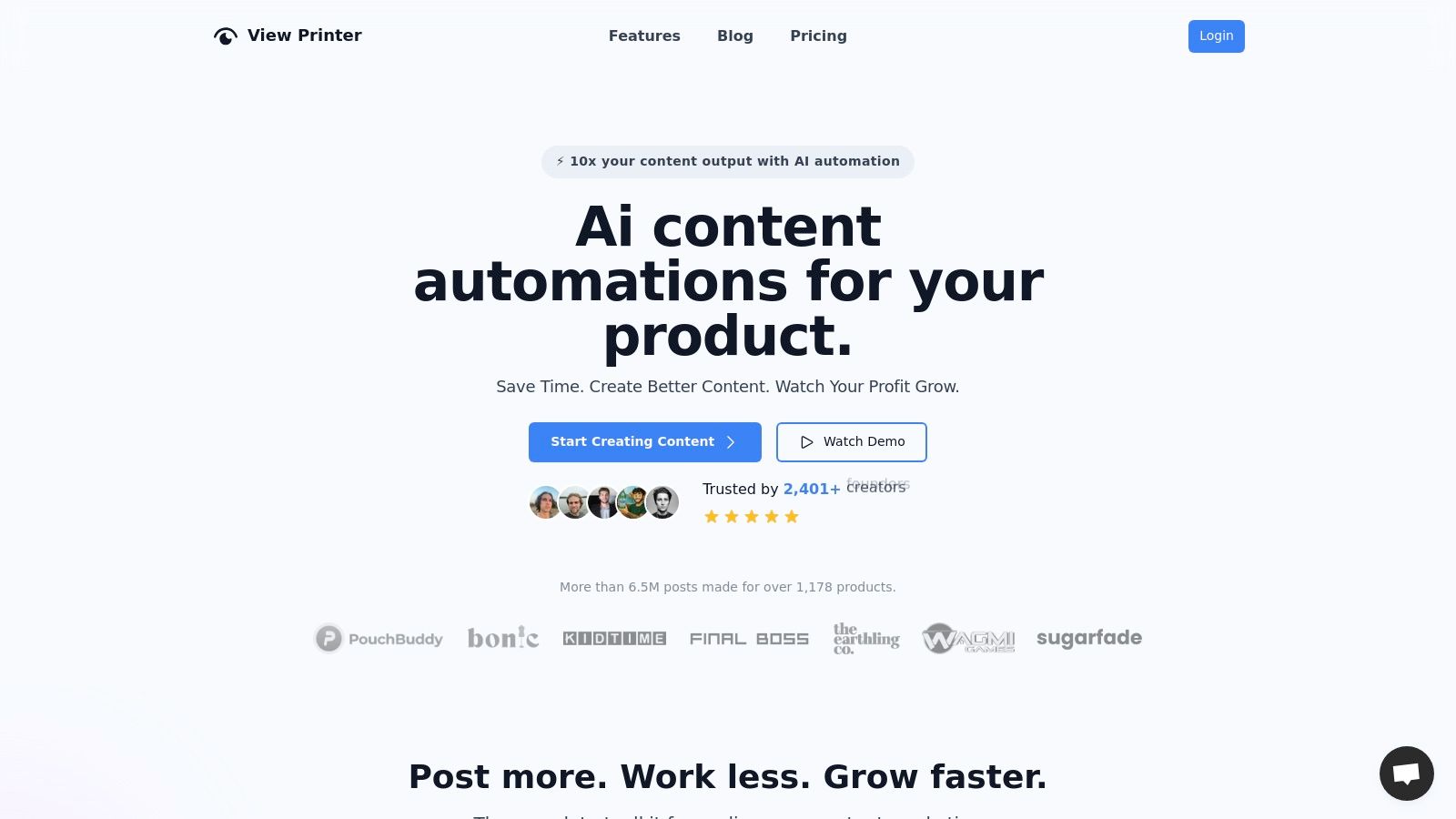
ViewPrinter positions itself as a powerful, all-in-one AI platform specifically engineered to transform product assets into high-performing social media content at scale. It stands out in the crowded market of AI tools for social media marketing by providing a complete end-to-end workflow, from ideation to automated publishing. This platform is meticulously designed for e-commerce founders, agencies, and social managers who need to consistently generate engaging creative without the typical bottlenecks of content production.
The core of ViewPrinter is its ability to generate viral-ready scripts, professional visuals, and compelling user-generated content (UGC) style ads in seconds. By leveraging a suite of advanced AI models like GPT-4o, Gemini, and Veo 3, the platform automates the most time-consuming aspects of content creation. This integrated approach allows users to move from a simple product description to a fully scheduled, cross-platform social media campaign from a single, intuitive dashboard.
Key Features and Workflow
ViewPrinter's standout capabilities are organized into specialized "studios" that streamline specific content types. Each studio is built to address a critical need in social media marketing.
- Viral Script Generation: The AI scriptwriter is trained on a massive dataset of 10,000 to 15,000 viral posts. This allows it to instantly produce scripts with pre-tested hooks, engaging body content, and effective calls-to-action tailored to your product.
- Slideshow Studio: This feature turns product images and assets into polished, dynamic slideshow videos in under 60 seconds. ViewPrinter claims these AI-generated slideshows can achieve up to 5x higher engagement than static posts.
- UGC Ad Studio: A truly unique offering, this studio generates AI avatars that match your ideal customer profile. It then stitches these avatars, trending audio clips, and product demos into conversion-focused ad creatives, reportedly driving up to 3x more conversions.
- Centralized Scheduling & Automation: Beyond content creation, ViewPrinter automates distribution. You can bulk-schedule posts across TikTok, Instagram, YouTube, and X. It supports posting directly to drafts on TikTok, a crucial feature for creators who want to add final touches natively.
What Makes It Stand Out
The platform's automation-first workflow sets it apart. Instead of just generating assets, ViewPrinter allows you to run entire campaigns on autopilot. You can set a cadence, and the AI will continuously generate and queue content, ensuring your social feeds remain active and consistent. Its built-in library of trending audio and proven formats further increases the likelihood of your content gaining traction.
Practical Implementation: An e-commerce brand can use the UGC Ad Studio to create five different ad variations targeting distinct customer personas. By uploading product images and selecting a "young professional" avatar, the AI generates a video ad with a relatable hook and a direct call-to-action, ready to be scheduled for an Instagram campaign, all within minutes.
Pricing and Access
ViewPrinter uses a flexible and transparent pricing model designed to scale with your needs. A 3-day trial is available for $1, which includes 1,000 AI credits to test the platform's full capabilities. The pricing is structured in tiers, and you can delve deeper into how to leverage these tools by exploring ViewPrinter's comprehensive guide on AI for social media marketing.
| Plan | Price/Month | Key Features | | :-------- | :---------- | :---------------------------------------------------------------- | | Pro | $49 | 3 social accounts, 10,000 monthly credits | | Premium | $99 | 10 social accounts, campaigns, 3 team members, plus Pro features | | Unlimited | $299 | Unlimited accounts, campaigns, and team members + strategy call |
Each AI credit costs a predictable $0.001, so you only pay for the content you generate. You can also upload your own assets without using credits and have the ability to choose different AI models to balance cost and quality.
Pros and Cons
Pros:
- End-to-end Workflow: A unified dashboard for scriptwriting, visual creation, UGC generation, and campaign scheduling saves immense time.
- Proven Viral-First Approach: AI trained on viral content and integrated with trending audio significantly boosts engagement potential.
- Unique UGC & Avatar Studio: The ability to auto-generate customer-tailored avatars for ads is a powerful and distinctive feature.
- Flexible Pricing: The $1 trial and transparent credit system make it accessible and predictable for businesses of all sizes.
Cons:
- Platform Caveats: Certain platforms like TikTok and YouTube require special handling (posting as drafts or using warmed accounts), which may involve manual steps.
- Credit Monitoring: While credits are inexpensive, high-volume content generation requires careful monitoring to manage costs and optimize ROI.
Learn More: https://viewprinter.tech
2. Hootsuite (OwlyWriter AI)
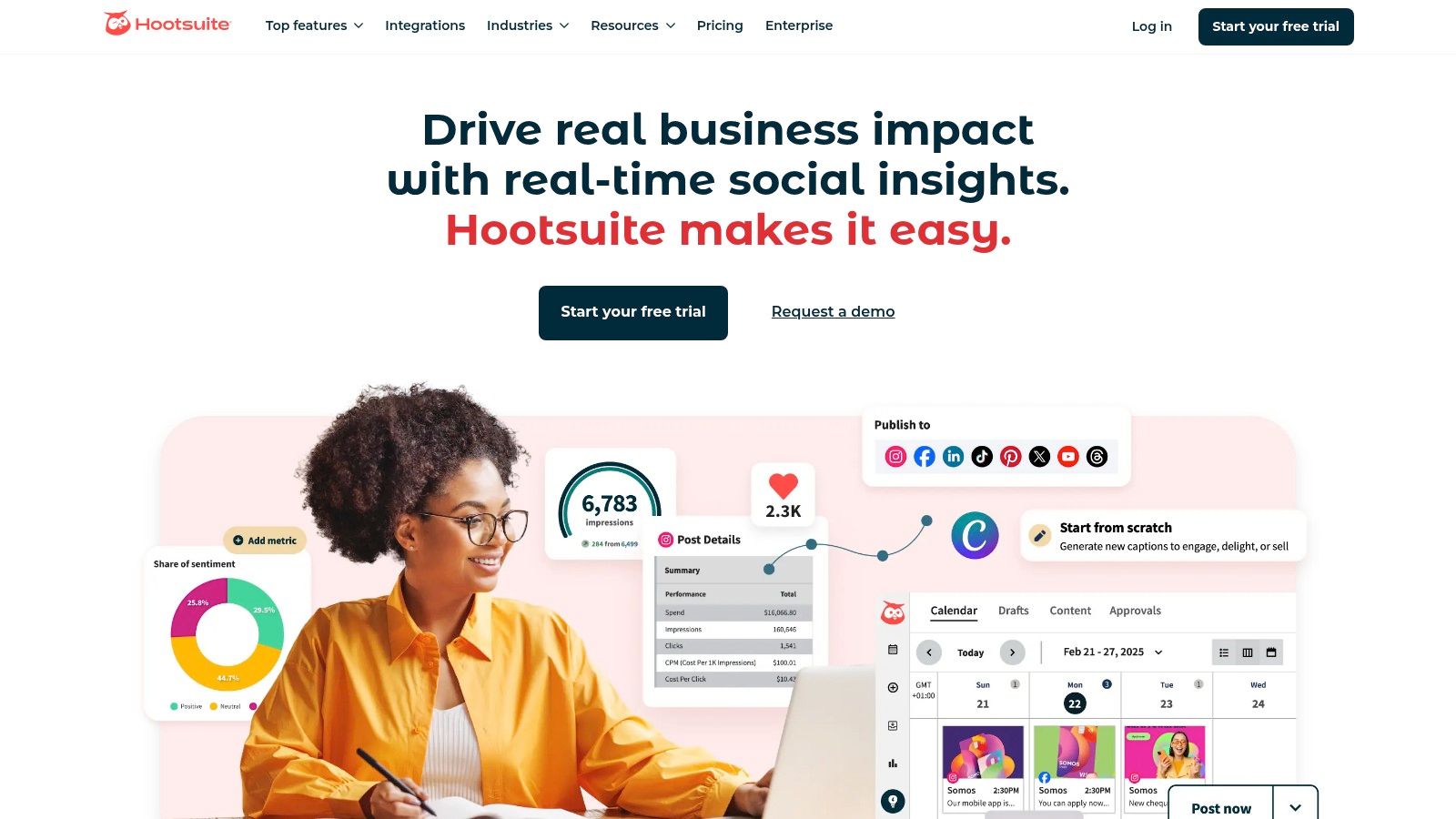
Hootsuite is a titan in the social media management space, and its integration of AI through OwlyWriter makes it a powerful, all-in-one solution for teams seeking both robust management features and content creation efficiency. Instead of being a standalone AI gadget, OwlyWriter is woven directly into the familiar Hootsuite dashboard, allowing users to brainstorm, create, schedule, and analyze content without ever leaving the platform. This makes it one of the most cohesive AI tools for social media marketing for established brands and agencies.
The core strength of Hootsuite's AI lies in its contextual awareness. OwlyWriter can generate content ideas, create captions from scratch, and even repurpose your top-performing posts, all from within the post composer. This seamless integration means you can move from idea to scheduled post in a fraction of the time it would take using separate tools.
Key Features and Practical Workflows
Hootsuite with OwlyWriter AI is designed to streamline complex social media operations. The AI is not just a text generator; it's a strategic assistant built into a comprehensive management suite.
- Integrated Content Creation: Directly within the Hootsuite composer, you can use OwlyWriter to instantly generate post captions based on a simple prompt, a link, or a specific marketing goal like "promote a new product." This eliminates the need to copy-paste from other AI tools.
- Post Idea Generation: Feeling stuck? Use the "Get Post Ideas" feature. OwlyWriter can brainstorm a list of relevant topics and angles based on your industry or campaign, providing a springboard for your content calendar.
- Caption Rewriting and Tonal Adjustments: The AI can take an existing caption and instantly rewrite it in a different tone (e.g., professional, witty, empathetic) or for a different platform (e.g., shortening for Twitter or adding hashtags for Instagram).
- Best Time to Post AI: Hootsuite’s scheduling AI analyzes your audience's engagement patterns and recommends the optimal times to publish your content for maximum reach and impact, taking the guesswork out of timing.
Pros and Cons
| Pros | Cons | | :--- | :--- | | Fully Integrated Ecosystem: AI features are built directly into a market-leading social media management platform. | Higher Price Point: The entry-level cost is higher than many standalone AI writing or scheduling tools. | | Enterprise-Grade Workflows: Excellent for teams with approval processes, client management, and brand governance needs. | Feature Gating: Some advanced AI and analytics features are reserved for higher-tier, more expensive plans. | | Comprehensive Analytics: Combines AI-powered content creation with deep analytics and social listening capabilities. | Learning Curve: The platform's extensive features can be overwhelming for beginners or solo users. |
Practical Tip for Implementation
To get the most out of OwlyWriter, start by using its "repurpose" function on one of your historically best-performing organic posts. Ask the AI to create three new variations of that post for different platforms like LinkedIn, Instagram, and Facebook. This not only saves time but also leverages proven content concepts, increasing your chances of success.
Website: https://www.hootsuite.com
Access: Hootsuite offers tiered monthly plans with a 30-day free trial to test the full suite of features, including OwlyWriter AI.
3. Sprout Social (AI Assist)
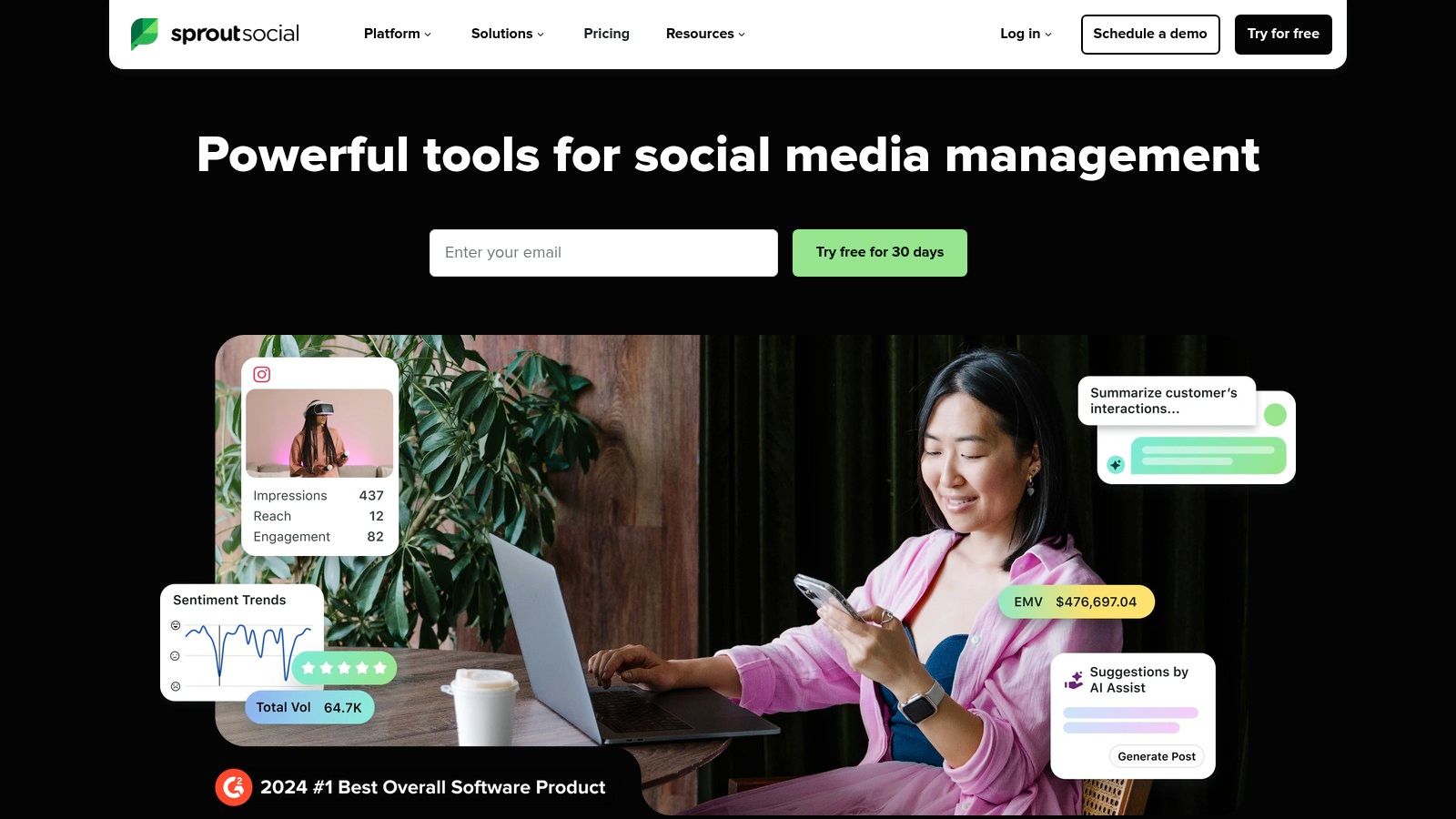
Sprout Social is an enterprise-level social media management powerhouse, catering to teams that demand sophisticated analytics, robust collaboration tools, and impeccable reporting. Its AI features, branded as AI Assist, are strategically embedded to augment and refine existing workflows rather than just generate content. This makes it one of the most effective AI tools for social media marketing for mid-market and enterprise teams focused on data-driven decision-making and brand integrity.
Rather than positioning AI as a standalone creator, Sprout Social uses it as an intelligent enhancement layer. AI Assist is woven into the Smart Inbox and the publishing composer, helping teams craft better responses, refine post copy, and maintain a consistent brand voice at scale. This focus on enhancement over pure generation is a key differentiator for organizations with established brand guidelines and high standards for communication.
Key Features and Practical Workflows
Sprout Social with AI Assist is engineered for efficiency and precision within complex team environments. The AI serves to polish and perfect content and interactions across a unified platform.
- AI-Powered Post Enhancement: Within the composer, AI Assist can take a draft message and instantly enhance it by adjusting the tone (e.g., confident, casual, professional), rewriting for clarity, correcting spelling and grammar, or translating it into different languages.
- Optimal Send Times: Sprout's ViralPost feature uses machine learning to analyze your specific audience’s engagement data and recommends the ideal times to publish content for each social profile, maximizing visibility and interaction.
- Smart Inbox AI for Replies: When managing high volumes of incoming messages, AI Assist can help draft personalized and on-brand replies, speeding up response times and ensuring consistent customer service.
- Advanced Reporting & Listening: While not a generative feature, Sprout’s AI-powered listening and analytics tools identify trends, measure sentiment, and provide competitive insights, helping you build a smarter, data-informed strategy.
Pros and Cons
| Pros | Cons | | :--- | :--- | | Mature Analytics and Reporting: Trusted by enterprise teams for its depth, customizability, and client-ready reports. | Higher Cost: Premium per-seat pricing makes it a significant investment, especially for larger teams. | | Industry-Recognized Platform: Consistently earns top ratings on G2 and other industry awards for usability and features. | Focus on Enhancement: Less focused on pure content generation from scratch compared to some other AI tools. | | Unlimited Profiles: The Professional plan and above offer unlimited social profiles, ideal for agencies or brands with many sub-brands. | Steeper Learning Curve: The extensive feature set can be complex for beginners or smaller teams without dedicated social media managers. |
Practical Tip for Implementation
Leverage AI Assist in the Smart Inbox to standardize the quality and tone of your customer service responses. Create a simple prompt template like "Politely decline this request and suggest they email [email protected]" and have your team use AI Assist to generate the full reply. This ensures brand consistency even with multiple community managers and significantly cuts down on response time.
Website: https://sproutsocial.com
Access: Sprout Social offers tiered monthly plans based on features and the number of users, with a 30-day free trial available.
4. Buffer (AI Assistant)
Buffer has long been celebrated for its clean interface and user-friendly approach to social media scheduling, making it a favorite among creators and small businesses. The introduction of its AI Assistant embeds powerful content creation capabilities directly into its streamlined workflow. Rather than overhauling the experience, the AI Assistant acts as a helpful, accessible partner within the familiar Buffer composer, making it one of the best AI tools for social media marketing for those who prioritize simplicity and efficiency.
The key differentiator for Buffer's AI is its accessibility. It’s not locked behind a steep paywall; the core AI features for ideation and rewriting are available even on its generous free plan. This lowers the barrier to entry for solo marketers and small teams looking to experiment with AI-driven content creation without committing to an expensive, enterprise-level platform. The focus is on practical, immediate assistance to overcome writer's block and tailor content effectively.
Key Features and Practical Workflows
Buffer's AI Assistant is designed to accelerate the content creation process from start to finish. It’s a tool built for speed and clarity, helping users generate and refine posts directly where they schedule them.
- In-Composer AI Assistance: Right inside the post composer, click the AI Assistant button to generate post ideas, write a draft from a prompt, or expand on a short sentence. This fluid integration keeps the entire process within a single screen.
- Content Repurposing and Rewriting: Paste an existing post or a link to an article, and the AI can instantly generate several new caption variations. You can ask it to shorten text, change the tone, or reframe the message for a different audience.
- Platform-Specific Tailoring: The assistant can create tailored content for different social networks. For example, it can generate a concise, professional post for LinkedIn and a more casual, emoji-filled version for Instagram from the same core idea.
- Free AI Post Generator: For those not yet using Buffer, the company offers a free, public-facing AI post generator on its website, providing a taste of the tool's capabilities without requiring a login.
Pros and Cons
| Pros | Cons | | :--- | :--- | | Generous Free Tier: Access to the AI Assistant is included in the free plan, making it highly accessible. | Lighter on Deep Analytics: Lacks the advanced social listening and enterprise-grade reporting of platforms like Hootsuite. | | Extremely User-Friendly: The clean interface and intuitive design make it fast to onboard, perfect for solo marketers and small teams. | Not a Full Enterprise Suite: Less focused on complex team workflows, approval chains, and deep brand monitoring. | | Seamless and Fast Workflow: The AI is integrated directly into the composer, eliminating friction and context switching. | AI is Primarily Text-Based: The focus is on copy generation and ideation, not on AI-powered image or video creation. |
Practical Tip for Implementation
Use the AI Assistant to combat creative fatigue. At the start of your week, feed it a single theme or announcement (e.g., "new blog post about Q3 marketing trends"). Ask it to generate five different post ideas based on that theme. Then, for each idea, have it write a unique caption for Instagram and another for LinkedIn. In less than 15 minutes, you can have a week's worth of diverse, platform-specific content ready to schedule.
Website: https://buffer.com
Access: Buffer offers a free plan with AI features included. Paid plans, which offer more channels and features, come with a 14-day free trial.
5. Canva (Magic Studio for Social)
Canva has evolved from a simple design tool into a comprehensive creative powerhouse, and its Magic Studio suite firmly establishes it as an essential platform for modern social media marketing. By integrating a host of AI features directly into its famously user-friendly interface, Canva empowers users to create stunning, on-brand visuals, videos, and copy with unprecedented speed. This makes it one of the most accessible and versatile AI tools for social media marketing, especially for teams that need to produce a high volume of quality content quickly.
The true advantage of Canva's Magic Studio is its unified workflow. You can generate an image from a text prompt, remove its background, place it into a branded template, write a caption for it with Magic Write, and even create a short animated video from the design, all without ever leaving the Canva ecosystem. This seamless integration drastically reduces the friction between idea and execution, democratizing content creation for marketers of all skill levels.
Key Features and Practical Workflows
Canva's Magic Studio is designed to be an intuitive creative partner, accelerating asset production from start to finish. Its features are built for practical, everyday social media tasks.
- Integrated AI Image and Video Generation: Use "Magic Media" to generate unique images or short video clips from a simple text prompt directly within your design canvas. This is perfect for creating custom blog headers, ad creatives, or B-roll for Instagram Reels.
- Intelligent Editing Tools: Features like "Magic Eraser" and "Background Remover" allow you to clean up photos or isolate subjects with a single click. "Magic Edit" lets you replace or add elements to an image just by describing what you want.
- AI-Powered Copywriting: "Magic Write," available throughout the platform, can brainstorm post ideas, draft captions, or summarize long-form text, helping you overcome writer's block and maintain a consistent voice.
- Brand Kit and Template Enforcement: For businesses, Canva's Brand Kit ensures all AI-generated or manually created assets adhere to brand guidelines (colors, fonts, logos), maintaining consistency across all social channels. You can discover more about how this fits into a broader strategy with other social media content creation tools.
Pros and Cons
| Pros | Cons | | :--- | :--- | | All-in-One Creative Ecosystem: The highly familiar UI combines design, AI generation, and editing in one place, speeding up workflows. | Usage Caps on AI Features: Free and Pro plans have credit-based limits on advanced AI tools like Magic Media and Magic Eraser. | | Excellent for On-Brand Assets: Brand Kits and vast template library make it easy to produce consistent content at scale. | AI is Less Specialized: While powerful, the AI may not match the nuance or output quality of dedicated, standalone AI image or video generators. | | Collaborative and Team-Friendly: Flexible seat-based pricing and robust team features make it ideal for agencies and marketing departments. | Video Capabilities Are Basic: The AI-generated video clips are short and best suited for simple animations or background elements, not complex narratives. |
Practical Tip for Implementation
Combine multiple Magic Studio features for a rapid content workflow. Start by using Magic Write to brainstorm five engaging questions for your audience. Pick the best one and use it as a text overlay on a template. Then, use Magic Media to generate a unique, abstract background image that matches your brand's color palette. In less than five minutes, you have a high-quality, on-brand engagement post ready to schedule.
Website: https://www.canva.com
Access: Canva offers a free plan with limited AI features. The full Magic Studio suite is available in Canva Pro and Canva for Teams subscriptions, which offer free trials and flexible monthly pricing.
6. Jasper (AI content for social campaigns)
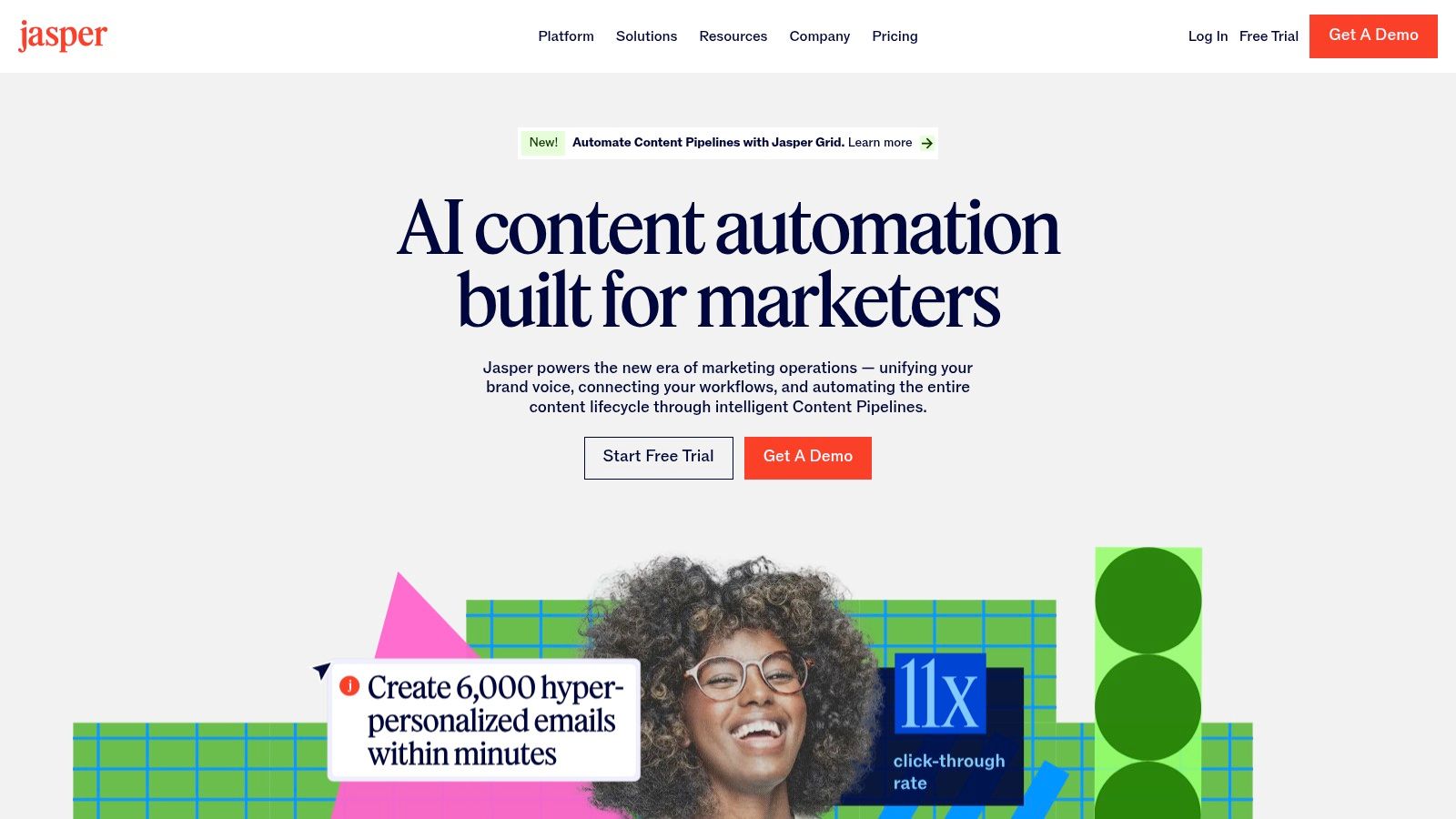
Jasper is a marketing-focused AI platform built from the ground up to help teams produce high-quality, on-brand copy at scale. Unlike general-purpose AI writers, Jasper is engineered specifically for marketing workflows, making it ideal for creating consistent multi-platform social media content, ad variations, and entire campaign assets. Its strength lies in its ability to learn and maintain a brand's unique voice, ensuring every social media post feels authentic and aligned with your strategy.
This focus on brand consistency makes it one of the most powerful AI tools for social media marketing for businesses that need to standardize their voice across various channels and teams. Jasper acts as a central content hub, enabling creators to generate everything from a single tweet to a full promotional sequence with speed and precision.
Key Features and Practical Workflows
Jasper provides a suite of tools designed to streamline the creation of marketing copy, moving beyond simple text generation to offer a more strategic content creation environment.
- Brand Voice and Knowledge: You can train Jasper on your style guides, product information, and top-performing content. It then uses this knowledge to generate copy that is consistently on-brand, saving countless hours on edits.
- Purpose-Built Templates: The platform includes a vast library of templates specifically for social media and advertising, such as "Instagram Post Captions," "Facebook Ad Headline," and "Video Script Hook," which guide the AI to produce format-appropriate content.
- Campaign-Focused Workflows: Using the Canvas workspace, teams can map out and generate all the copy for an entire social media campaign in one place, from initial brainstorming posts to final call-to-action ads.
- Customizable AI Apps and Agents: On higher-tier plans, businesses can build custom AI workflows (Apps) or autonomous agents to handle repetitive content tasks, such as creating daily social media post variations based on a single marketing brief. To learn more about how Jasper fits into the broader landscape, you can explore various AI content generation tools.
Pros and Cons
| Pros | Cons | | :--- | :--- | | Designed for Marketing Teams: Features like brand governance and collaboration tools are built for professional use. | Not an All-in-One Tool: It's a pure content creator, so it must be paired with a separate social media scheduling and analytics platform. | | Produces Consistent Campaign Copy: Excels at creating a high volume of on-brand content for multi-channel campaigns. | Advanced Features are Gated: The most powerful tools, like custom Agents and deeper integrations, are reserved for expensive Business plans. | | LLM-Agnostic Approach: Leverages multiple top AI models to ensure the best possible output for any given marketing task. | Can Be Costly: The pricing structure is geared more towards established teams and businesses rather than solo creators or small startups. |
Practical Tip for Implementation
Start by building a comprehensive "Brand Voice" profile in Jasper. Upload your marketing style guide, paste in examples of your best-performing social media captions, and provide company background. Then, use the "A/B Test Facebook Ad Copy" template to generate five different headline and primary text variations for your next ad. This immediately leverages Jasper's core strength of producing on-brand, conversion-focused copy at scale.
Website: https://www.jasper.ai
Access: Jasper offers tiered monthly plans with a 7-day free trial to test its features and see how well it adapts to your brand's tone.
7. G2 (Social Media Management Category)
While not a tool itself, G2 is an indispensable resource for discovering and vetting the right AI tools for social media marketing. It's a leading software marketplace and review platform where real users share their experiences, making it a crucial first stop before committing to a new subscription. Instead of relying solely on a vendor's marketing copy, G2 provides a balanced, real-world perspective on how these AI tools perform in day-to-day business operations.
G2’s power lies in its aggregation and categorization. You can explore its Social Media Management category, filter specifically for tools with AI features, and compare them side-by-side using its proprietary Grid Reports. This methodology allows you to see how different platforms stack up based on user satisfaction and market presence, providing a data-driven foundation for your decision-making process.
Key Features and Practical Workflows
G2 streamlines the research phase of adopting new technology, helping you move from consideration to purchase with confidence. It’s a strategic research hub, not a content generator.
- Grid Reports and Live Rankings: G2’s seasonal Grid Reports visually map out the leaders, contenders, and niche players in the social media software space. This helps you quickly identify top-rated AI-powered platforms.
- Verified User Reviews: Read in-depth reviews from verified users in similar industries or company sizes. These often contain specific insights about the effectiveness of a tool's AI features, customer support quality, and ease of implementation.
- Feature and Pricing Comparison: Use the platform’s comparison tool to place up to four different tools side-by-side. You can directly compare features, pricing models, and user ratings to find the best fit for your budget and needs.
- Deals and Discounts: G2 often lists exclusive deals and extended trial offers for many of the software platforms it features, potentially saving you money on your final choice.
Pros and Cons
| Pros | Cons | | :--- | :--- | | Millions of Verified Reviews: Provides authentic feedback on usability, support, and real-world performance. | Sign-In Required for Some Content: Accessing detailed reports or certain deals often requires creating a free account. | | Powerful Filtering and Comparison: Easily narrow down options based on specific AI features, company size, or user satisfaction. | Sponsored Placements: Be aware that some listings may be sponsored; always read a variety of reviews for a balanced view. | | Free to Use: The core research and comparison features are completely free for buyers. | Information Overload: The sheer volume of reviews and data can be overwhelming without a clear research goal. |
Practical Tip for Implementation
Before you start browsing, define your top three "must-have" AI features (e.g., AI caption generation, predictive analytics, AI-powered scheduling). Use G2's filters to create a shortlist of tools that meet these specific criteria. Then, read the top three most helpful positive and negative reviews for each tool on your list to get a well-rounded understanding of its strengths and weaknesses.
Website: https://www.g2.com/categories/social-media-management
Access: G2 is free to browse and use. Some deeper reports and features may require signing up for a free user account.
7-Tool Comparison: AI for Social Media Marketing
| Tool | Implementation complexity (🔄) | Resource requirements (⚡) | Expected outcomes (📊⭐) | Ideal use cases (💡) | Key advantages (⭐) | |---|---:|---:|---|---|---| | ViewPrinter | 🔄 Medium — ready‑made studios, some platform caveats (TikTok/YouTube) | ⚡ Moderate — credit‑based ($0.001/credit), paid tiers (Pro/Premium/Unlimited), supports team scale | 📊 High impact — rapid content output; claims: slideshow ↑5x engagement, UGC ads ↑3x conversions | 💡 E‑commerce founders, agencies, social managers scaling short‑form product creative | ⭐ End‑to‑end viral‑first AI, avatar/UGC studio, cross‑platform scheduling, flexible credits | | Hootsuite (OwlyWriter AI) | 🔄 Medium‑High — enterprise setup and governance | ⚡ High — higher entry price for full analytics/listening | 📊 Reliable outcomes — unified publishing, listening, analytics with AI speedups | 💡 Brands/agencies needing full SMM stack (publishing + listening + analytics) | ⭐ Integrated AI across publishing/listening, strong enterprise workflows and integrations | | Sprout Social (AI Assist) | 🔄 Medium‑High — enterprise features, SLA support | ⚡ High — per‑seat pricing; advanced reporting on higher tiers | 📊 Strong impact — mature analytics/reporting; improved response/workflows | 💡 Mid‑market and enterprise teams needing deep reporting and client‑ready insights | ⭐ Robust analytics, enterprise reporting, AI Assist for posts & replies | | Buffer (AI Assistant) | 🔄 Low — fast onboarding, simple composer | ⚡ Low — generous free tier, transparent AI usage | 📊 Good for steady output — ideation, repurposing, platform‑specific tailoring | 💡 Solo marketers, SMBs and creators starting with AI for social | ⭐ Accessible AI, generous free plan, quick to onboard and integrate | | Canva (Magic Studio for Social) | 🔄 Low‑Medium — familiar UI; some AI gated to paid plans | ⚡ Moderate — paid for advanced AI (Business subscription) | 📊 High creative throughput — rapid on‑brand visuals and short clips | 💡 Designers and marketing teams producing visual assets at scale | ⭐ Large template ecosystem, Magic Studio for fast asset creation and editing | | Jasper (AI content for social campaigns) | 🔄 Low‑Medium — copy‑first platform, pairs with schedulers | ⚡ Moderate — paid plans for Brand Voices and Agents | 📊 Consistent multi‑platform copy at scale; governance for brand voice | 💡 Marketing teams standardizing tone and campaign copy | ⭐ Brand controls (Voices/Knowledge), templates, LLM‑agnostic enterprise features | | G2 (Social Media Management category) | 🔄 Low — browseable marketplace; some reports require sign‑in | ⚡ Low — free access to reviews; gated content for some reports | 📊 Better buying decisions — verified reviews, rankings, deal visibility | 💡 Buyers evaluating social tools, comparing features and pricing | ⭐ Millions of verified reviews, category grids, filters and deal pages |
Choosing Your AI Partner for Social Media Success
Navigating the landscape of AI tools for social media marketing can feel like exploring a new frontier. We've journeyed through a powerful lineup of platforms, from comprehensive management suites like Hootsuite and Sprout Social to specialized content creators like Jasper and Canva. Each tool offers a unique solution to the modern marketer's challenges, automating tedious tasks and unlocking new creative potential. The core takeaway is clear: artificial intelligence is no longer a futuristic concept but a practical, indispensable ally in building a dominant social media presence.
The true power of these tools lies not just in their individual features but in how they integrate into your strategic workflow. The goal isn't simply to automate posts; it's to amplify your team's creativity, gain deeper audience insights, and produce high-impact content at a scale that was previously unimaginable. By offloading repetitive tasks like caption writing, hashtag generation, and optimal posting times, your team is free to focus on the high-level strategy that drives real growth.
Key Takeaways and Actionable Next Steps
As you move forward, the decision of which tools to adopt should be guided by your specific goals, team size, and existing bottlenecks. Reflect on the platforms we've discussed:
- For Enterprise-Level Management: Tools like Hootsuite and Sprout Social offer robust, all-in-one solutions that excel in team collaboration, deep analytics, and customer care. They are ideal for larger organizations managing multiple brands and complex social strategies.
- For Visual Content Creation: Canva’s Magic Studio has democratized design, making it incredibly simple to produce professional-grade images, videos, and animations tailored for social media, even without a dedicated design team.
- For Specialized Copywriting: Jasper remains a top contender for generating high-quality, on-brand copy for everything from ad campaigns to organic posts, helping you overcome writer's block and maintain a consistent voice.
Your immediate next step is to conduct a workflow audit. Pinpoint exactly where your team is losing the most time. Is it in the ideation phase, content creation, or the scheduling and analysis process? Answering this question will illuminate which type of AI tool will deliver the most immediate and significant return on investment.
Making the Right Choice for Your Brand
Selecting the right suite of AI tools for social media marketing is a critical decision that will shape your digital strategy for years to come. Don't base your choice solely on a feature list. Instead, consider factors like user interface, integration capabilities with your existing software stack, and the quality of customer support. Most importantly, evaluate which platform aligns with your primary content format. If your strategy is heavily reliant on short-form video and authentic, user-generated-style content, a specialized tool like ViewPrinter might be more effective than a general-purpose management platform.
To help you make an informed decision when selecting your ideal solution, a detailed Social Media Management Platform Comparison Guide offers a valuable resource. Ultimately, the best AI partner is one that not only saves you time but also empowers you to create more engaging, effective content that resonates with your audience and drives business results. The era of intelligent social media marketing is here; the only question is how you will leverage it to win.
Ready to stop juggling multiple tools and start creating viral content on autopilot? ViewPrinter is the all-in-one AI platform designed to take your social media from idea to publication, integrating viral script generation, lifelike UGC avatars, and automated scheduling. See how ViewPrinter can become your ultimate content engine by visiting our website.