Top 12 Best AI Video Generators for Marketers in 2025
Discover the 12 best AI video generators for marketers. Our ranked list covers features, pricing, and use cases to help you create viral content at scale.
Video content is no longer optional for growth; it's the primary language of social media and e-commerce. Yet, for many marketing and e-commerce teams, consistent, high-quality video creation remains a significant bottleneck. Traditional production cycles are slow, resource-intensive, and notoriously difficult to scale, making it nearly impossible to keep up with the demand for fresh content across platforms like TikTok, Instagram Reels, and YouTube Shorts.
This is the exact problem the best AI video generators are built to solve. These powerful platforms are transforming content strategy, enabling you to generate everything from compelling user-generated content (UGC) style ads and polished product demos to engaging social media clips in a fraction of the time and cost. They automate the heavy lifting, so you can focus on creative ideation and campaign performance. While AI revolutionizes how quickly we can create, the core principles of effective service video production remain critical for truly engaging brand stories.
This guide cuts through the noise to provide a comprehensive, no-nonsense ranking of the top 12 AI video generators available today. We’ll go beyond generic feature lists to give you an honest look at each tool, complete with screenshots and direct links. You'll get a detailed breakdown of:
- Key Features & Limitations: What each platform actually does well and where it falls short.
- Ideal Use Cases: Who the tool is truly for, from creating UGC ads to professional avatar-led explainers.
- Practical Strengths & Weaknesses: Real-world insights to help you match a tool to your specific workflow.
- Pricing & Verdict: A clear summary to help you make a fast, informed decision.
Our goal is simple: to help you find the perfect AI video generator for your specific needs, so you can start creating better video content, faster. Let's get started.
1. ViewPrinter
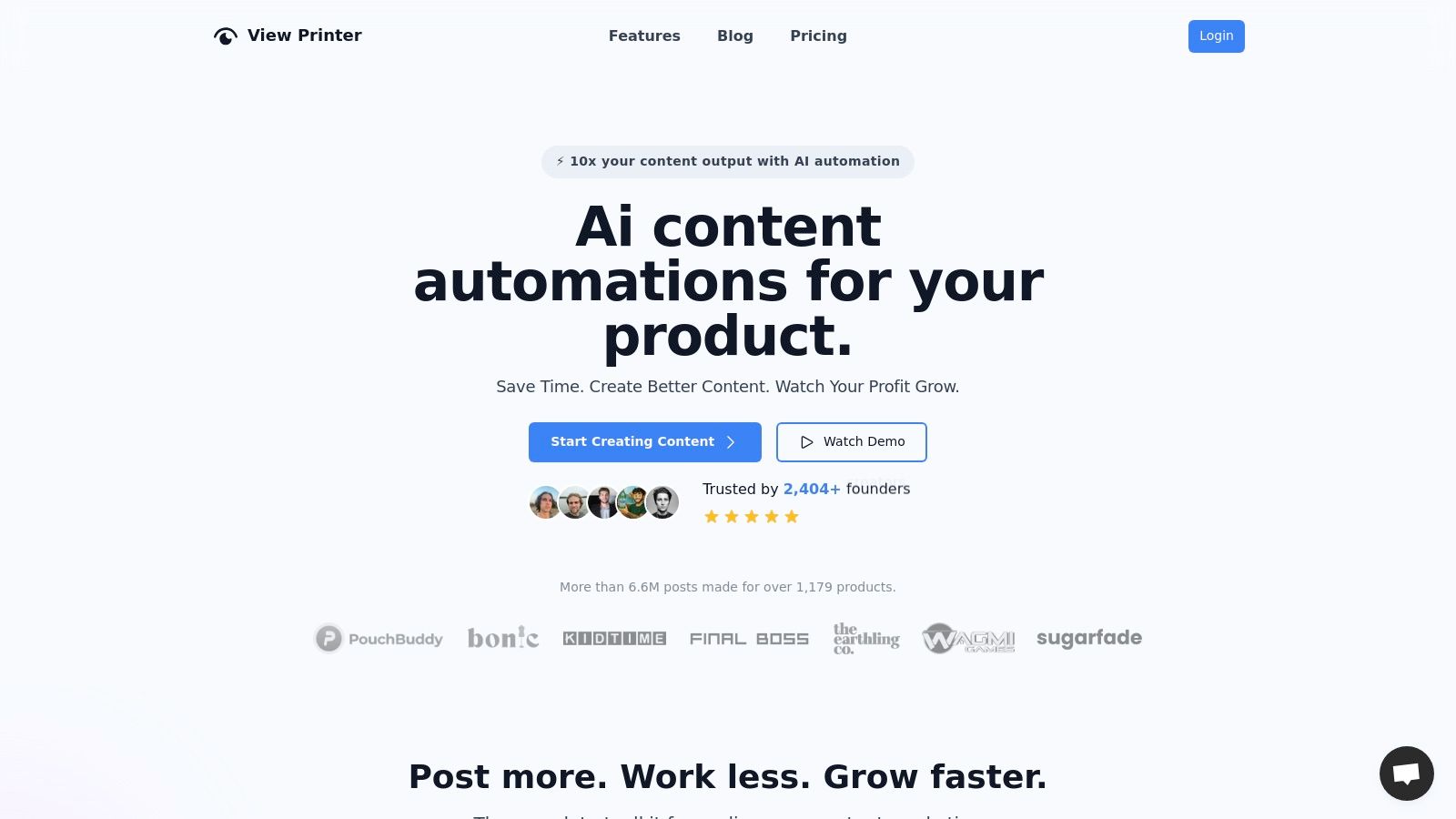
ViewPrinter positions itself as a definitive all-in-one AI content platform, designed specifically for the rigorous demands of e-commerce brands, agencies, and creators who need to produce high-performing social media content at scale. It excels by integrating a sophisticated AI writer, trained on a massive dataset of viral posts, with a powerful media generation engine. This combination allows users to move from idea to polished, scheduled video content within a single, streamlined dashboard.
Unlike many competitors that focus solely on video generation, ViewPrinter offers an end-to-end workflow. This includes scripting, asset creation, editing, scheduling, and automation across major platforms like TikTok, Instagram, YouTube, and X. This consolidation is its primary strength, eliminating the need to juggle multiple subscriptions for writing, video editing, and social media management. For teams focused on performance, ViewPrinter claims its AI-driven creatives lead to tangible results, such as 5x higher engagement and 3x conversion lifts.
Key Features and Use Cases
- AI Viral Scriptwriter: The platform’s script generator is trained on a proprietary database of over 15,000 viral posts. Users can input a product or topic, and the AI produces hooks, body content, and calls-to-action that are statistically optimized for engagement. This is a game-changer for teams struggling with creative fatigue.
- Avatar & UGC Ad Studio: One of its standout features is the ability to seamlessly stitch AI-generated avatars with product demos or user-generated content. This allows e-commerce brands to create high-converting, authentic-looking UGC-style ads without hiring actors, significantly reducing production costs and timelines.
- Slideshow & Reel Generator: For rapid content creation, users can generate engaging slideshow videos in under a minute. The system pulls from a library of trending audio and proven templates, making it ideal for creating daily content for platforms like TikTok and Instagram Reels.
- Campaign Automation & Scheduling: ViewPrinter is one of the few AI video generators that includes native scheduling and campaign automation. Teams can build out entire content calendars, set up automated posting schedules, and manage all connected social accounts from one place, saving hours of administrative work.
Pricing and Plans
ViewPrinter offers a flexible pricing model designed to scale with user needs. A $1 trial provides 1,000 AI credits for three days, allowing for a comprehensive test drive. Paid plans start with the Pro plan at $49/month, which includes 10,000 credits and support for three social accounts. The Premium plan ($99/month) expands this to ten accounts and three team members, while the Unlimited plan ($299/month) offers unlimited everything plus strategic consultation for agencies and large brands. The credit system is transparent, with each credit costing $0.001, so you only pay for the AI generation you use.
| Plan | Price | Key Features | | :---------- | :------------- | :---------------------------------------------------------- | | Trial | $1 for 3 days | 1,000 AI credits | | Pro | $49/month | 10,000 credits, 3 social accounts, 1 team member | | Premium | $99/month | Up to 10 accounts, 3 team members, advanced features | | Unlimited| $299/month | Unlimited accounts, team members, credits, plus consultation|
Pros and Cons
Pros:
- All-in-One Workflow: Combines AI writing, video generation, scheduling, and analytics, drastically improving efficiency.
- Proven Viral Templates: AI is trained on successful content, increasing the likelihood of creating high-engagement posts.
- Speed and Scale: Enables teams to increase content output significantly, with workflows as fast as two minutes per post.
- Flexible Pricing: The credit-based model and accessible trial make it suitable for a wide range of users, from solo creators to large agencies.
Cons:
- Credit Consumption: High-volume video generation can consume credits quickly, requiring users to monitor their usage to manage costs.
- Platform Nuances: Automation may require manual adjustments to comply with specific platform rules (e.g., TikTok drafts, YouTube copyright).
Verdict
ViewPrinter is an exceptionally strong choice for marketing and e-commerce teams who prioritize speed, scale, and performance-driven results. Its unique ability to merge a data-backed scriptwriter with versatile video creation and robust automation tools makes it one of the best AI video generators available. By condensing the entire social content lifecycle into a single platform, it offers a compelling solution for producing viral content consistently and efficiently.
Website: https://viewprinter.tech
2. Runway
Runway has positioned itself as a premier destination for creators and studios seeking cinematic, high-fidelity AI video generation. Its flagship models, Gen-4 and the newer Gen-4 Turbo, excel at translating text and image prompts into short, visually stunning clips with a remarkable grasp of physics and consistent motion. This makes it one of the best AI video generators for producing B-roll, artistic shorts, or concept visualizations.
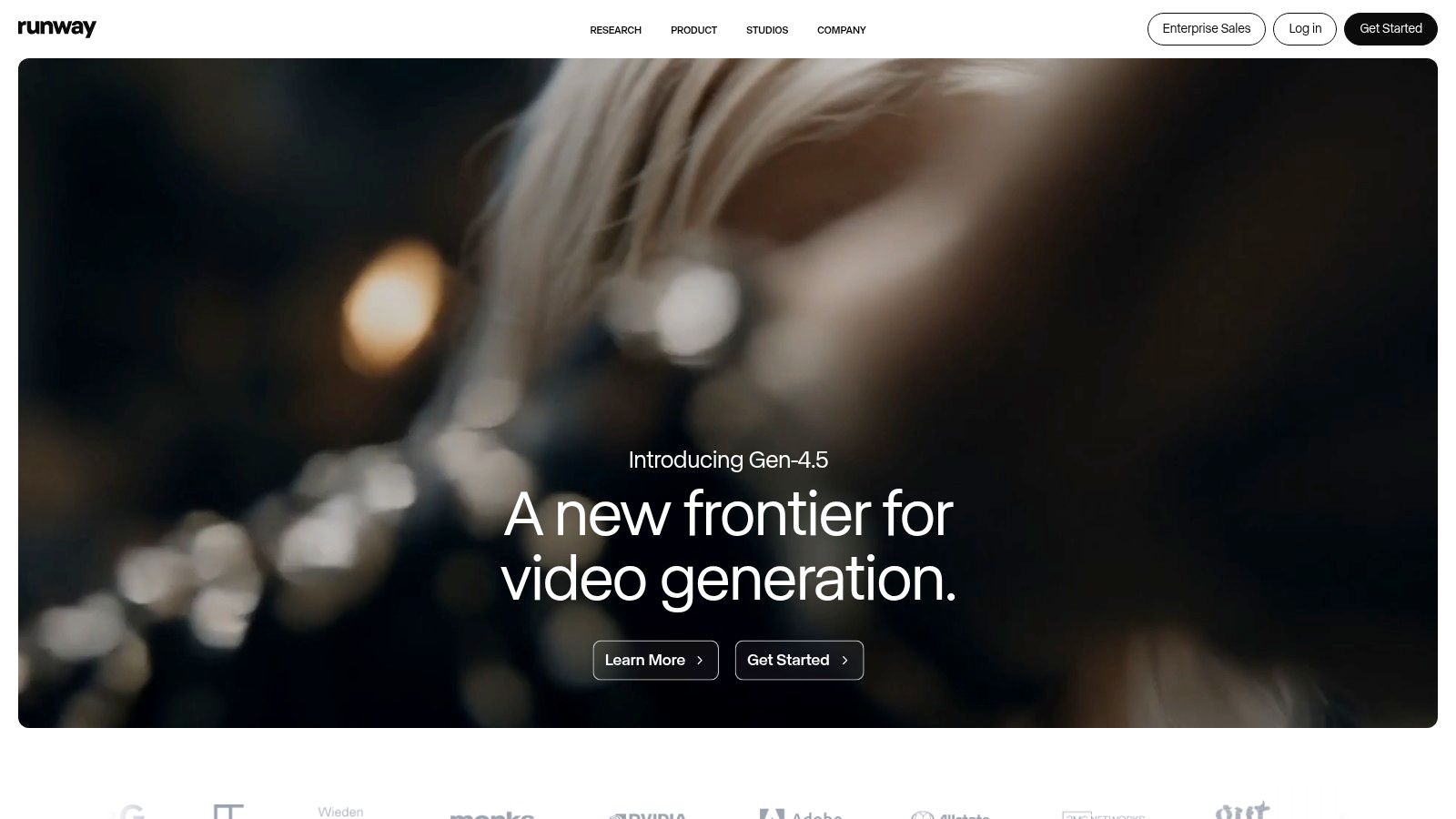
The platform integrates everything into a web-based editor, allowing you to manage assets, generate clips, and perform basic edits without leaving your browser. The credit-based system, while initially complex, offers granular control over spending. For marketers, Runway is ideal for creating abstract background loops for websites, high-impact social media teasers, or unique visual assets for ad campaigns where realism is paramount.
Key Details & Pricing
- Best For: Creative agencies, filmmakers, and marketers needing high-quality, artistic video clips.
- Key Features: Text-to-video (Gen-4 Turbo), image-to-video, in-browser editor, performance capture tools.
- Pricing: Offers a free tier with limited credits. Paid plans start at $12/user/month (Standard) for more credits and features like upscaling and watermark removal.
Pros and Cons
| Strengths | Weaknesses | | ------------------------------------------------------------------------ | ----------------------------------------------------------------------- | | Superior realism and cinematic quality for short video generation. | The credit system can be confusing for new users. | | Integrated web editor simplifies the creation workflow. | Optimal results are currently limited to shorter clip durations (under 16s). | | Frequent model updates and introduction of new creative tools. | Not designed for creating long-form narrative content. |
Verdict: Runway is a top-tier choice for projects demanding the highest visual quality in short bursts. If your goal is to create awe-inspiring, artistic visuals rather than straightforward explainer videos, its powerful models are hard to beat. To understand the prompting techniques for this tool, you can get a better understanding of how to make AI-generated video with our guide.
3. Luma AI (Dream Machine / Ray models)
Luma AI has rapidly emerged as a powerful and accessible tool for creating high-quality AI video, driven by its impressive Dream Machine model. It excels at generating fluid, imaginative clips from text and image prompts with a strong focus on speed and user experience. This makes it one of the best AI video generators for rapid prototyping, creating social media content, or producing dynamic visual elements for digital ad campaigns.
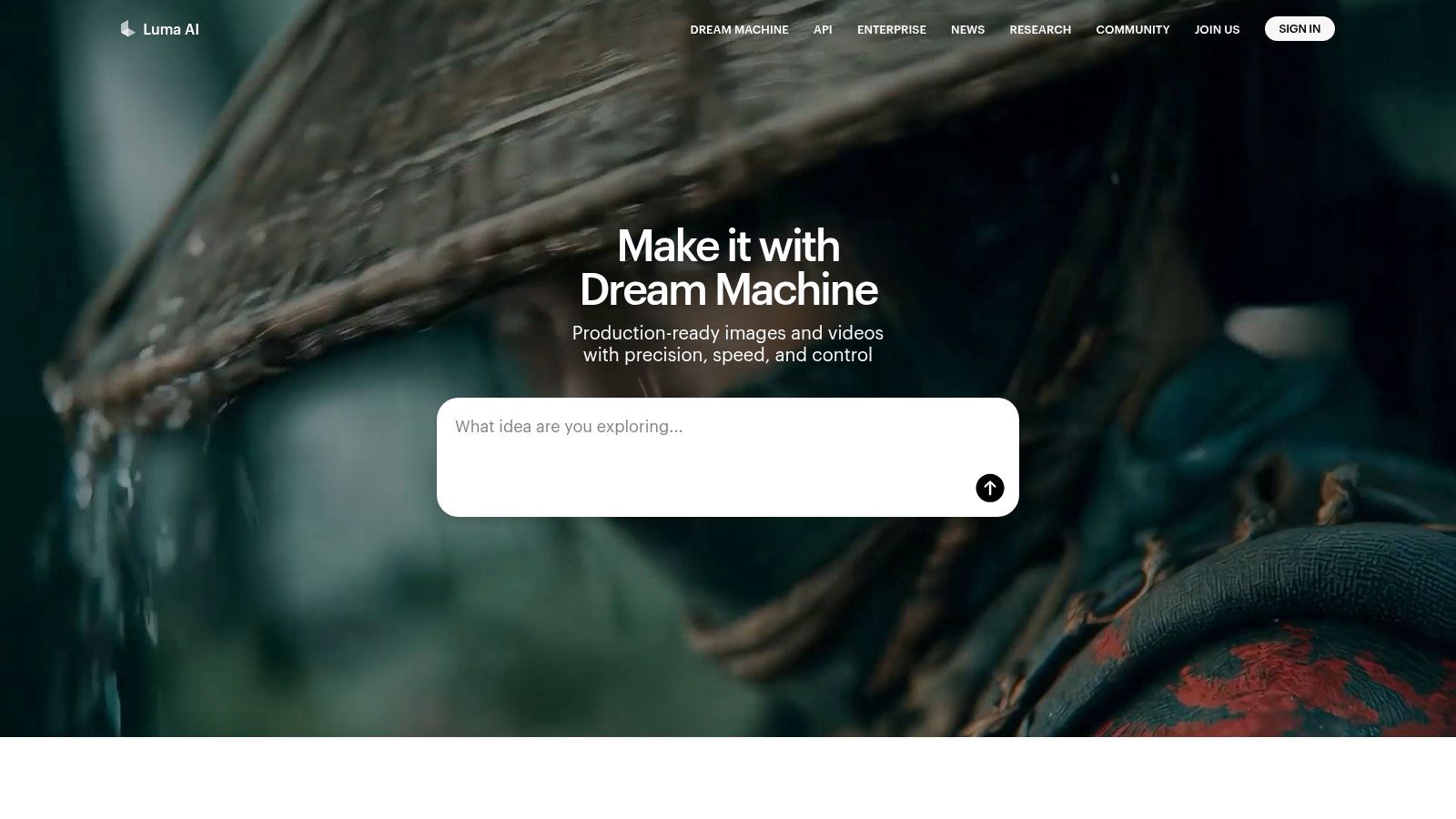
The platform is designed for both beginners and professionals, offering a simple interface that belies its advanced capabilities. For marketers, Luma is perfect for quickly turning a static product image into an engaging short video or generating unique B-roll that aligns with a brand’s aesthetic. Its credit-based system is straightforward, with clear costs per generation, and higher-tier plans offer valuable features like unlimited generation in a "relaxed" mode.
Key Details & Pricing
- Best For: Social media managers, content creators, and marketers needing fast, high-quality video for ideation and short-form content.
- Key Features: Text-to-video, image-to-video (Dream Machine), 4K upscaling options, API access, commercial use rights on paid plans.
- Pricing: A generous free tier provides 30 generations per month. Paid plans start at $29.99/month (Standard) for 400 generations and additional features.
Pros and Cons
| Strengths | Weaknesses | | ------------------------------------------------------------------------ | ----------------------------------------------------------------------- | | Excellent speed and generation quality for rapid creative work. | Clip durations are generally short (around 5 seconds). | | Generous free tier and competitive pricing on paid plans. | High-resolution outputs and extended clips consume credits quickly. | | Simple, intuitive user interface suitable for all skill levels. | Lacks an integrated video editor for post-generation adjustments. |
Verdict: Luma AI's Dream Machine is a top contender for users who prioritize speed, quality, and ease of use. It's an ideal choice for marketers and creators focused on producing eye-catching short-form video for social media, digital ads, and creative exploration without a steep learning curve.
4. Google Gemini (Veo)
Google has integrated its powerful Veo video generation model directly into the Gemini ecosystem, making high-quality AI video accessible within a familiar conversational interface. Veo excels at understanding natural language and physics, producing short, coherent clips with impressive realism and consistent character portrayal. This makes it a strong contender among the best AI video generators for users already invested in Google's suite of tools, from marketers creating quick social assets to developers prototyping visual concepts.
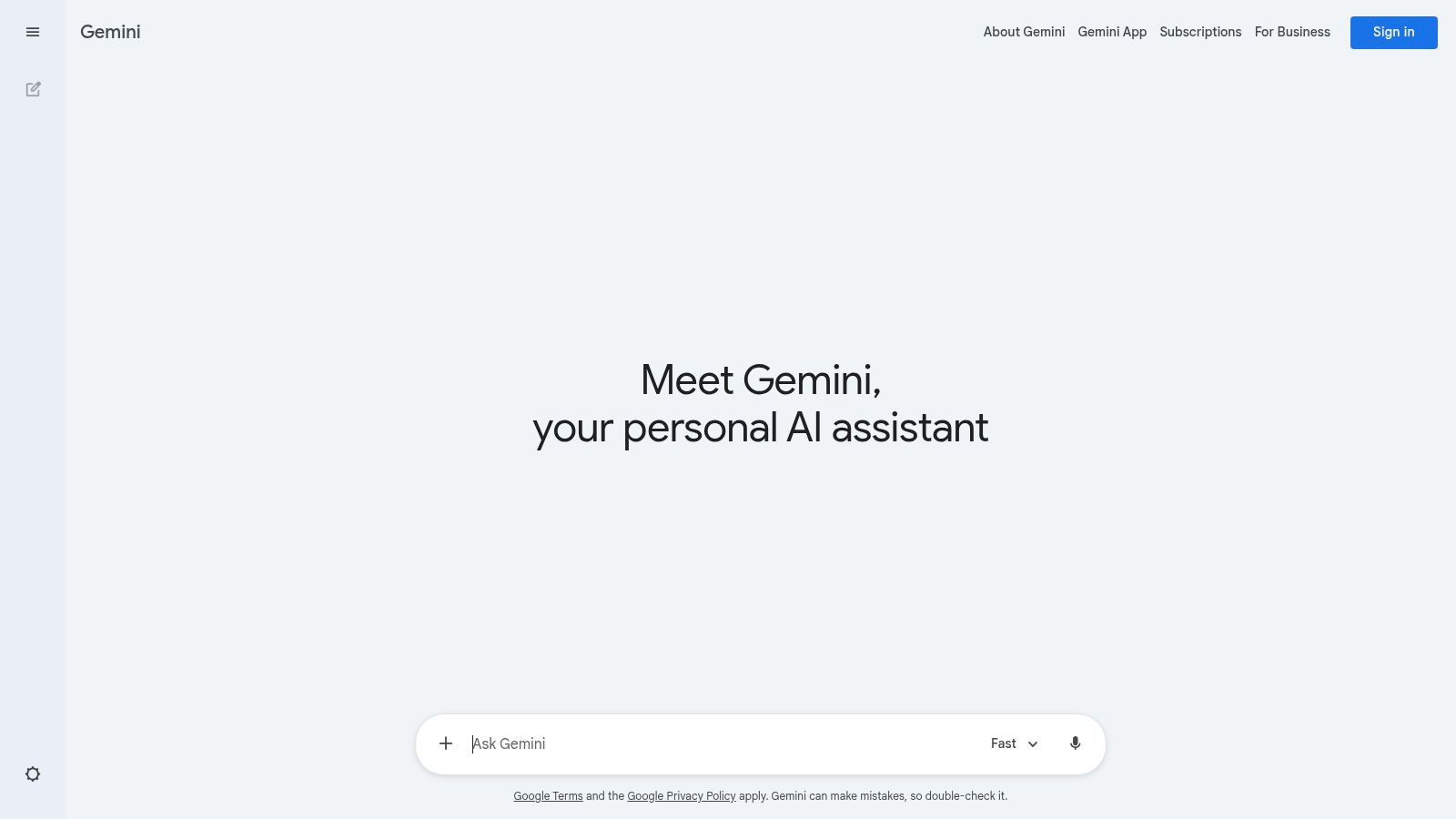
The platform's primary strength is its ease of use and deep integration. Generating a video is as simple as typing a prompt into Gemini, with no complex editors or credit systems to learn. For marketing teams, this allows for rapid ideation and the creation of unique visual content for platforms like YouTube Shorts or TikTok directly from the Gemini app. The inclusion of SynthID digital watermarking also adds a layer of transparency to all generated content.
Key Details & Pricing
- Best For: Individuals and teams using the Google ecosystem for rapid content creation and experimentation.
- Key Features: Text-to-video (Veo), image-to-video, conversational interface, SynthID watermarking, native Google integrations.
- Pricing: Access is typically included with Gemini Advanced subscriptions (part of the Google One AI Premium plan), though availability and quotas can vary during its phased rollout.
Pros and Cons
| Strengths | Weaknesses | | ----------------------------------------------------------------------- | ----------------------------------------------------------------------- | | Seamless integration within the familiar Gemini chat interface. | Access and generation quotas can be inconsistent during rollout phases. | | Strong grasp of physics and motion, leading to realistic clips. | Limited to short clip durations and lacks advanced editing controls. | | Simplifies the video creation process with no complex learning curve. | Quality and feature availability can differ based on your plan or region. |
Verdict: Google Gemini (Veo) is an excellent choice for users seeking a straightforward, powerful video generation tool without leaving their existing workflow. Its conversational approach lowers the barrier to entry, making it ideal for marketers and creators who need to produce high-quality short clips quickly and efficiently.
5. Adobe Firefly (Generate Video)
Adobe has integrated its generative AI, Firefly, directly into the Creative Cloud ecosystem, offering a powerful yet commercially safe option for video creation. Its key differentiator is the training data; Firefly is trained exclusively on Adobe Stock’s licensed content and public domain media, ensuring that assets created are commercially viable and free from copyright infringement concerns. This makes it one of the best AI video generators for established brands and enterprises that prioritize legal compliance.
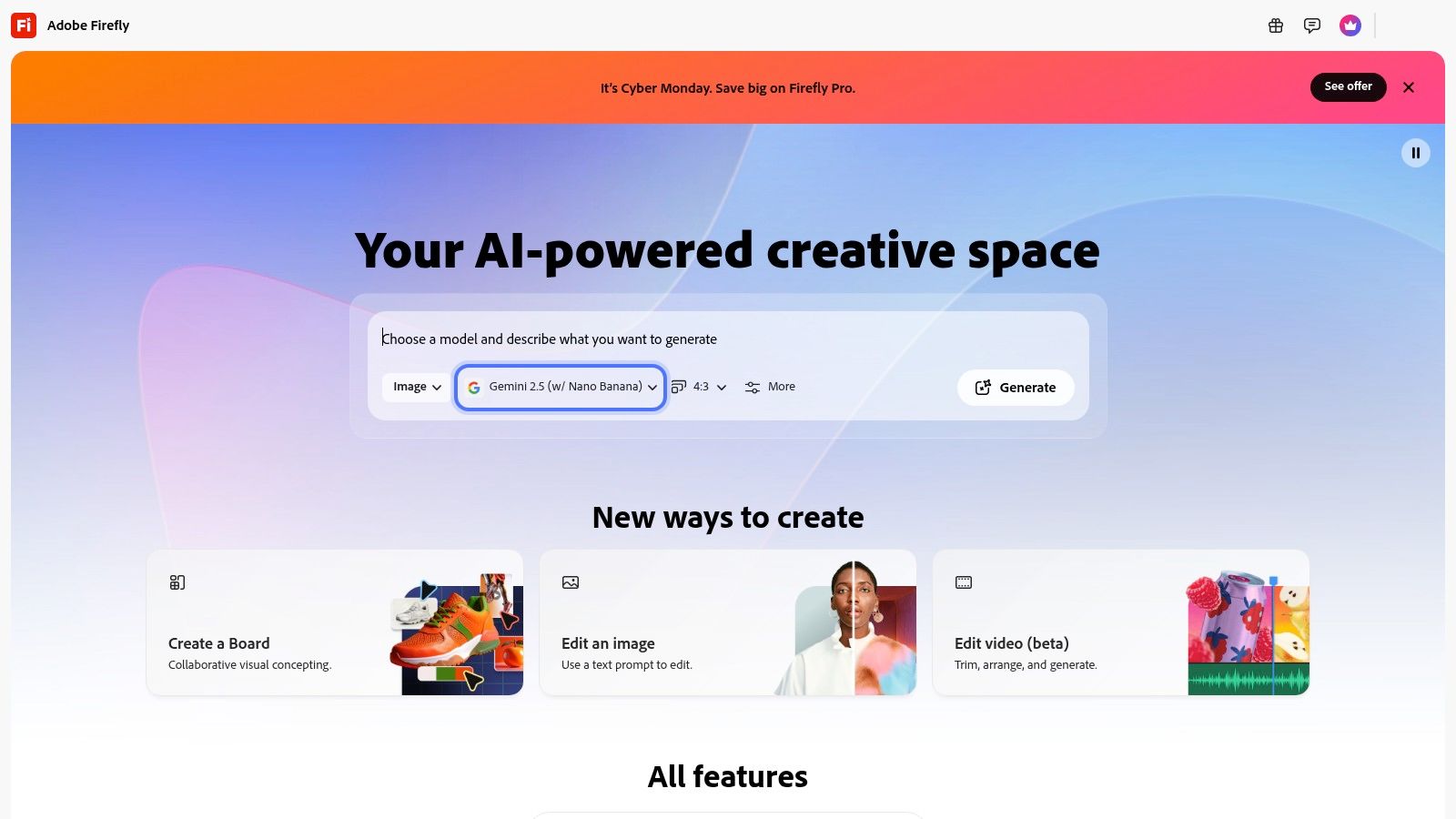
The platform focuses on seamless integration, allowing marketers and designers to generate video clips from text or images and immediately bring them into Premiere Pro or Photoshop for further editing. While still in its early stages with some limitations on clip length, Firefly’s roadmap includes advanced features like 4K output and enhanced motion controls. Its strength lies not in being a standalone tool but in augmenting the established workflows of creative professionals.
Key Details & Pricing
- Best For: Creative teams, marketing departments, and enterprises already invested in the Adobe Creative Cloud ecosystem.
- Key Features: Text-to-video, image-to-video, camera and motion controls, seamless integration with Adobe Creative Cloud apps.
- Pricing: Accessed via Creative Cloud subscriptions, which include a set number of generative credits. Plans like the "All Apps" plan start at $59.99/month.
Pros and Cons
| Strengths | Weaknesses | | ------------------------------------------------------------------------ | ----------------------------------------------------------------------- | | Commercially safe outputs backed by Adobe’s licensed training data. | Clip lengths are currently shorter than some dedicated competitors. | | Unmatched integration with professional tools like Premiere Pro. | The credit system combined with CC plans can be confusing to track. | | Leverages the familiar and robust Adobe user interface. | The video model is newer and less mature than rivals like Runway. |
Verdict: For teams operating within Adobe’s Creative Cloud, Firefly is an invaluable and secure addition. Its primary appeal is the guaranteed commercial safety and workflow efficiency it provides, making it the go-to choice for brands that need to generate compliant visual assets at scale without leaving their preferred creative environment.
6. Synthesia
Synthesia has carved out a niche as the leader in avatar-based AI video generation, making it an indispensable tool for corporate training, onboarding, and instructional content. It excels at converting scripts into polished, professional videos featuring realistic AI avatars, eliminating the need for cameras, microphones, or actors. The platform is designed for scalability and ease of use, allowing teams to produce consistent, high-quality communications quickly.
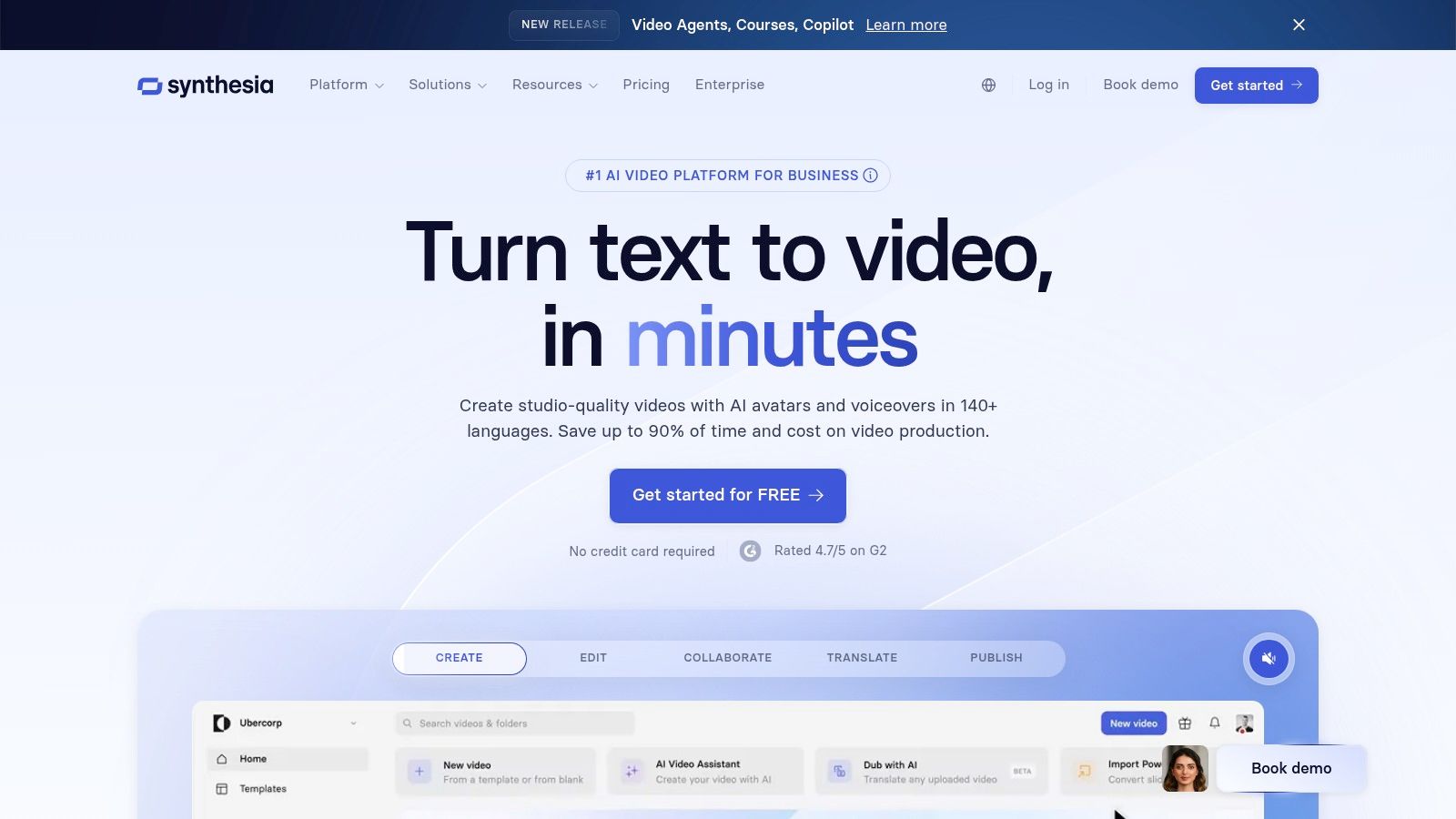
For marketers and e-commerce teams, Synthesia is perfect for creating localized product explainers, customer support videos, or internal sales training modules. Its powerful dubbing and translation features enable content to be adapted for global audiences in minutes. The ability to create custom avatars and implement brand kits ensures that all video output remains perfectly on-brand and professional.
Key Details & Pricing
- Best For: Corporate L&D teams, marketers, and businesses needing scalable training and explainer videos.
- Key Features: 230+ stock AI avatars, custom avatar creation, script-to-video with multi-language dubbing, SCORM export for LMS.
- Pricing: The Creator plan is $22/month (billed annually) for 10 minutes of video. The Business plan offers custom pricing with more features.
Pros and Cons
| Strengths | Weaknesses | | ---------------------------------------------------------------------- | ----------------------------------------------------------------------- | | Best-in-class workflows for corporate training and onboarding. | The avatar aesthetic is not ideal for hyper-realistic cinematic content. | | High-quality avatars and extensive language/translation support. | Pricing by minutes requires careful planning and script management. | | Enterprise-ready features like SSO, SCORM, and brand asset control. | Lacks advanced creative editing tools found in other platforms. |
Verdict: Synthesia is the undisputed champion for creating professional, avatar-led instructional content at scale. If your primary goal is to produce training, HR, or explainer videos efficiently, its specialized feature set is unmatched. For a deeper dive, learn more about how to make AI videos with our comprehensive guide.
7. HeyGen
HeyGen excels at creating polished, AI-driven avatar and presenter videos, making it an indispensable tool for marketing, sales, and corporate training. The platform's core strength lies in its ability to quickly transform scripts into engaging videos featuring realistic stock or custom avatars. This is ideal for businesses looking to scale content production without the overhead of filming, particularly for localization and personalized outreach.
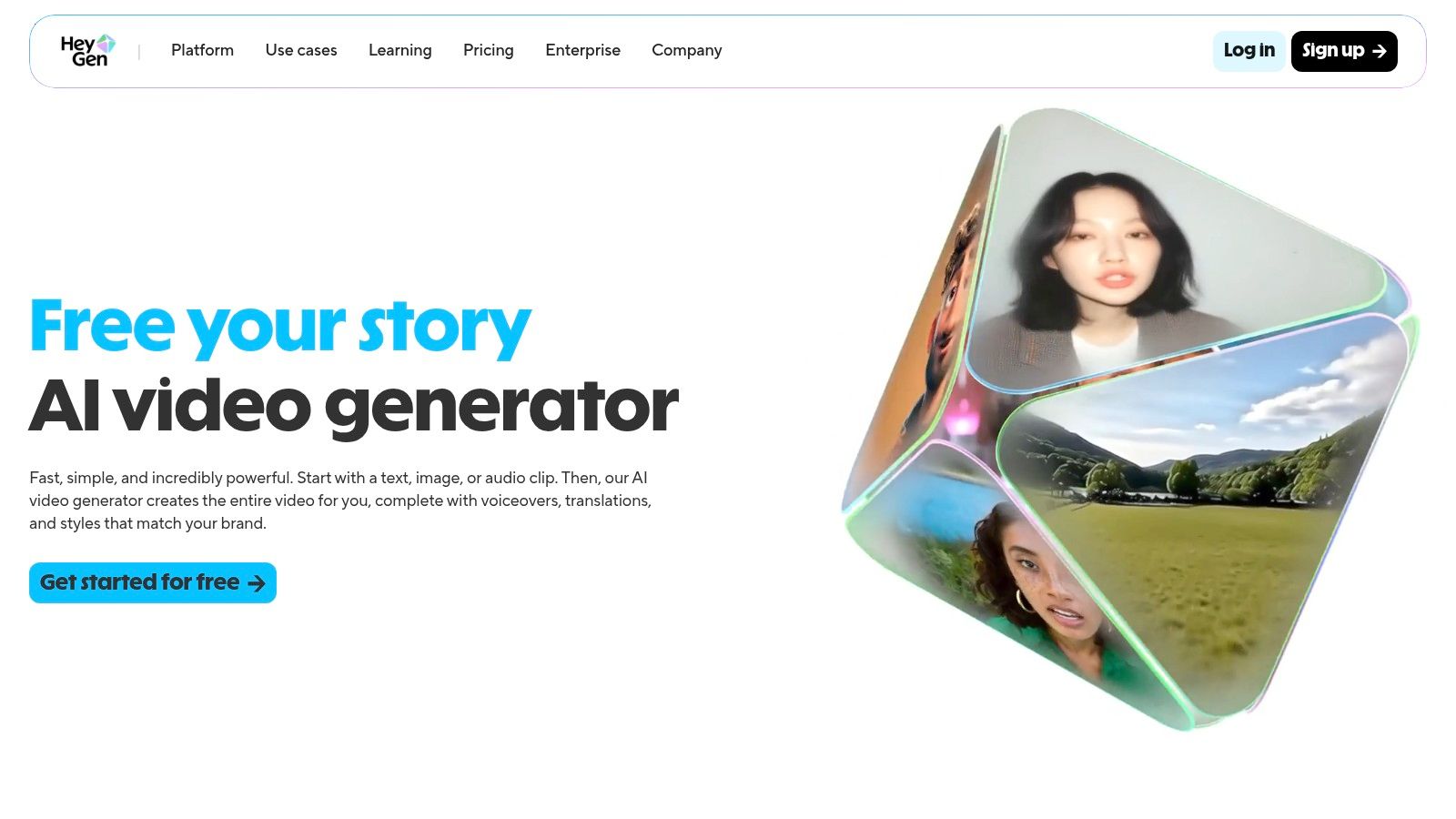
The platform is designed for efficiency, offering powerful features like one-click AI dubbing and translation into multiple languages, allowing a single video to serve a global audience. For marketers, this means rapidly creating UGC-style presenter videos for social ads, product demos for e-commerce pages, or internal training modules. The user-friendly interface and vast library of avatars and voice clones make it one of the best AI video generators for teams that prioritize speed and scalability.
Key Details & Pricing
- Best For: Marketing teams, e-commerce brands, and sales professionals needing scalable, localized presenter-led videos.
- Key Features: 500+ stock avatars, custom avatar creation, AI dubbing and voiceover tools, multi-language translation, collaboration features.
- Pricing: Provides a generous free tier with 1 free credit. Paid plans start at $24/month (Creator) for more credits and watermark-free exports.
Pros and Cons
| Strengths | Weaknesses | | ----------------------------------------------------------------------- | --------------------------------------------------------------------------------- | | Generous free tier and an approachable, user-friendly interface. | The credit system and various add-ons can increase costs significantly at scale. | | Excellent for rapid localization and UGC-style presenter videos. | Less suited for cinematic or abstract scenes compared to specialized T2V engines. | | Extensive library of high-quality stock avatars and voice options. | Avatar realism, while good, may not be suitable for all high-end brand aesthetics. |
Verdict: HeyGen is the go-to solution for businesses focused on creating scalable, presenter-driven content. Its seamless localization and avatar features provide a powerful way to create personalized marketing and training materials without the logistical challenges of traditional video production.
8. Kapwing
Kapwing stands out as an all-in-one, browser-based creative studio that tightly integrates AI video generation with a comprehensive suite of editing tools. Unlike platforms focused solely on raw generation, Kapwing’s strength lies in its ability to take a concept from a simple text prompt to a fully polished, social-media-ready video within a single workflow. It's built for creators and marketers who need to produce content quickly without juggling multiple applications.
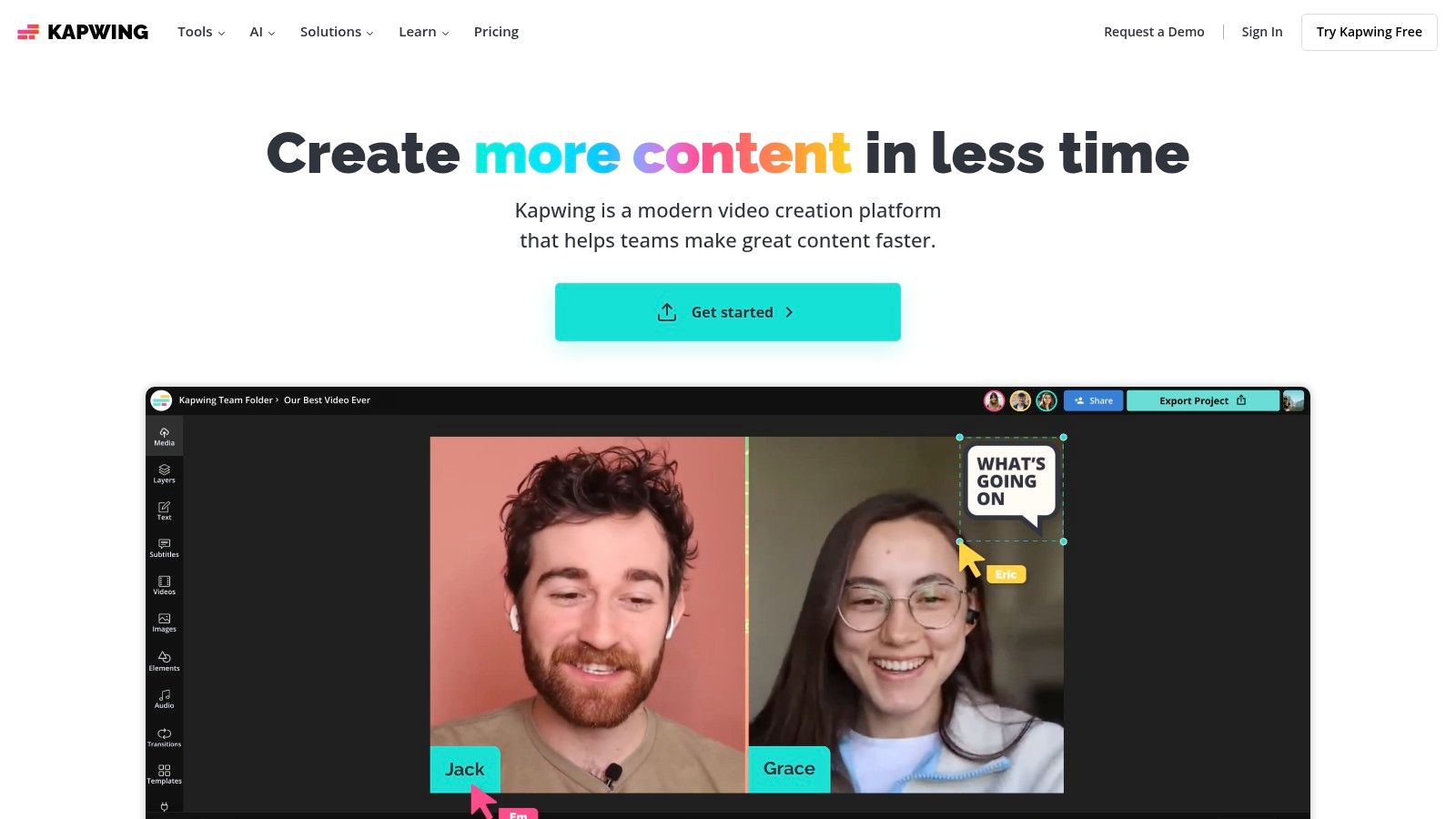
The platform is one of the best AI video generators for teams prioritizing speed and collaboration. After generating a short clip from text or an image, you can immediately add subtitles, apply branded templates, change aspect ratios, and access a vast stock media library. Features like AI-powered script generation, article-to-video conversion, and automated dubbing make it a powerful hub for turning any content asset into engaging video.
Key Details & Pricing
- Best For: Social media managers, content creators, and marketing teams needing a fast, integrated editing and generation solution.
- Key Features: Text-to-video, image-to-video, full video editor, AI script writer, article-to-video, auto-subtitling, team workspaces.
- Pricing: A generous free tier is available (with watermarks). The Pro plan starts at $16/user/month (billed annually) for 4K exports and watermark removal.
Pros and Cons
| Strengths | Weaknesses | | ----------------------------------------------------------------------- | ----------------------------------------------------------------------------- | | Combines a strong editor and AI generator in a single browser tab. | Free plan includes a watermark and has export time/quality limitations. | | Free to start with access to templates and a rich stock media library. | The realism of its AI-generated clips can lag behind top-tier, specialized models. | | Excellent collaboration features like team workspaces and commenting. | AI video generation is focused on short clips (3-12 seconds). |
Verdict: Kapwing is the ideal choice for practical, day-to-day video creation where editing is just as important as the initial AI generation. If your goal is to efficiently produce polished social media content, explainers, or ads, its unified toolset offers tremendous value and convenience.
9. Descript
Descript has carved out a unique space by blending powerful AI features with an intuitive, text-based video editor. Instead of scrubbing through timelines, you edit video by simply editing a text transcript. This unique workflow makes it one of the best AI video generators for podcasters, educators, and marketers who prioritize efficient content repurposing and narrative-driven video creation. The platform isn't a pure text-to-video engine but an AI-assisted studio.
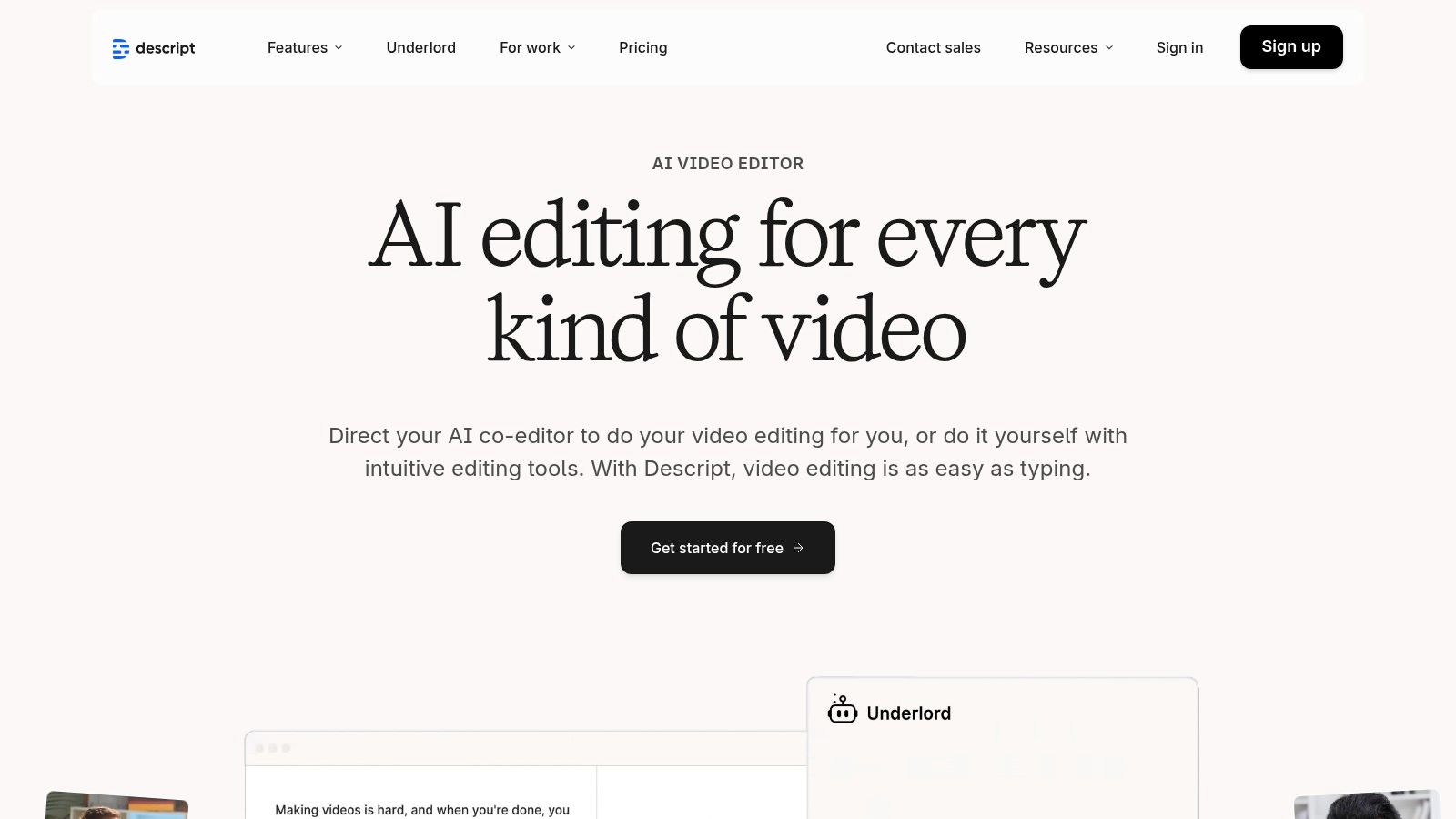
Its AI capabilities include generating video scenes from text, creating custom digital voice avatars, and multilingual dubbing, all within the same interface. This is ideal for turning a single long-form recording, like a webinar or podcast, into dozens of social media clips, complete with captions and b-roll. For marketing teams, it dramatically speeds up the process of creating training materials, product demos, and shareable video snippets from existing content.
Key Details & Pricing
- Best For: Content creators, podcasters, and teams focused on editing and repurposing long-form video/audio content.
- Key Features: Text-based video editing, AI scene generation, custom voice avatars, multilingual dubbing, stock media library.
- Pricing: Free plan available with limited features. Paid plans start at $12/user/month (Creator) for more transcription hours and 4K exports.
Pros and Cons
| Strengths | Weaknesses | | -------------------------------------------------------------------- | ------------------------------------------------------------------------ | | Excellent text-based editing UX simplifies the post-production process. | Generation scope is narrower than pure cinematic text-to-video tools. | | Strong for repurposing long-form content into social media shorts. | Plans come with credit or hour limits per month. | | All-in-one platform combines editing, generation, and collaboration. | AI video generation is more supplemental than a core feature. |
Verdict: Descript is an exceptional productivity tool for anyone whose workflow is rooted in spoken-word content. While not a cinematic generator like Runway, its AI-powered, text-based editing approach is revolutionary for efficiently creating and distributing content at scale. You can find more tools like this in our guide to the best video editing software for social media.
10. LTX Studio
LTX Studio presents itself as an all-in-one AI filmmaking platform designed to take a project from initial idea to final render. It uniquely combines storyboarding, character creation, and precise camera controls within a single workspace, making it a powerful tool for pre-visualization and short film production. By offering access to multiple advanced models, including Google's Veo, it provides creators with a versatile and robust generation engine.

The platform's strength lies in its structured workflow, guiding users from script to storyboard and then to a detailed shot list. For marketing teams, this is ideal for planning and executing cohesive ad campaigns or social media series, ensuring character and scene consistency across multiple clips. The collaborative features also allow team members to contribute to the creative process seamlessly, making it one of the best AI video generators for structured content creation.
Key Details & Pricing
- Best For: Filmmakers, creative agencies, and marketers planning multi-shot video projects.
- Key Features: Script-to-storyboard workflow, consistent character elements, detailed camera controls, access to multiple video models (LTX-2, Veo).
- Pricing: Operates on a credit system based on 'Computing Seconds'. Paid plans (Standard/Pro) are required for a commercial license, starting from a tiered pricing structure based on usage.
Pros and Cons
| Strengths | Weaknesses | | ------------------------------------------------------------------------ | ----------------------------------------------------------------------- | | End-to-end workflow from ideation to short video in one workspace. | The credit system ('Computing Seconds') has a learning curve. | | Provides precise control over characters, scenes, and camera angles. | Rendering queues can lead to delays during peak usage times. | | Commercial license is available on paid Standard and Pro tiers. | Clip durations are limited, making it unsuitable for long-form video. |
Verdict: LTX Studio is an exceptional choice for creators who need more than just a text-to-video prompt. Its filmmaker-centric tools offer unparalleled control for planning and executing short, narrative-driven projects or complex ad campaigns where consistency is key.
11. Pika
Pika has carved out a niche as a mobile-first AI video app, prioritizing speed and social media trends over cinematic polish. Available on iOS, it allows creators to generate short, stylized video clips directly from their phones using text, images, or even selfies. Its main appeal lies in its one-tap effects and trend packs, which make it incredibly easy to produce content that aligns with current TikTok and Instagram Reels aesthetics.

This focus on a streamlined mobile experience makes Pika one of the best AI video generators for on-the-go content creators and social media managers. Instead of a complex web editor, the app provides an intuitive interface designed for rapid iteration and quick sharing to short-form video platforms. Marketers can use it to quickly test visual concepts for social campaigns or generate eye-catching filler content without needing a desktop. For more details on this innovative platform, you can explore the features of Pika and its capabilities.
Key Details & Pricing
- Best For: Social media managers and content creators needing fast, trendy video clips for platforms like TikTok and Instagram.
- Key Features: Mobile-first (iOS), text-to-video, image-to-video, one-tap trend effects, direct social sharing.
- Pricing: Operates on an app-store subscription model. A free version is available with limitations, while paid tiers unlock more features and remove watermarks.
Pros and Cons
| Strengths | Weaknesses | | ------------------------------------------------------------------------ | ----------------------------------------------------------------------- | | Simple, creator-friendly mobile UX makes it accessible to anyone. | The app-store subscription model can be confusing. | | Rapid iteration and trendy effects are perfect for short social videos. | Less creative control compared to desktop-based cinematic tools. | | Frequent updates with new effect packs keep content fresh. | Not designed for high-fidelity or professional marketing outputs. |
Verdict: Pika is the ideal tool for creators who live on their phones and prioritize speed and relevance for social media. If your goal is to quickly churn out engaging, trend-aligned content for Reels or Shorts rather than produce polished marketing videos, Pika’s mobile-centric approach is unmatched.
12. G2 (AI Video Generators category)
While not a generator itself, G2’s AI Video Generators category is an essential research hub for any marketer or e-commerce team serious about making an informed decision. It aggregates dozens of tools, providing up-to-date rankings, detailed user reviews, and direct comparisons that cut through marketing hype. This makes it an invaluable resource for validating choices, discovering niche alternatives, and shortlisting platforms before committing to a subscription.
The platform allows you to filter providers by features, market segment (SMB vs. Enterprise), and user satisfaction ratings, helping you quickly identify leaders in specific areas like ease of use or customer support. For marketers, G2 is the perfect starting point to gauge real-world performance, understand common pain points from user-submitted cons, and find trial offers directly from vendor pages. It transforms a scattered search for the best AI video generators into a structured evaluation process.
Key Details & Pricing
- Best For: Marketers, agencies, and business owners in the research and comparison phase.
- Key Features: Verified user reviews, category rankings and grids, feature-based filtering, side-by-side tool comparisons.
- Pricing: Free to browse and access all reviews and category data.
Pros and Cons
| Strengths | Weaknesses | | --------------------------------------------------------------------------- | -------------------------------------------------------------------------- | | Aggregates real-world feedback, helping shortlist tools based on user experience. | Sponsored placements and "Featured" callouts require careful reading. | | Excellent filtering helps identify top tools for specific needs (e.g., SMBs). | Reviews can sometimes be skewed toward newer releases or specific use cases. | | Provides direct links to vendor pages and free trial offers. | The sheer volume of information can be overwhelming for new users. |
Verdict: G2 is an indispensable due-diligence platform. While it doesn't create videos, it empowers you to choose the right tool by leveraging the collective experience of thousands of users. Use it to build your shortlist and validate the claims made by any provider on this list.
Top 12 AI Video Generators: Side-by-Side Comparison
| Platform | Core features | UX / Quality (★) | Value / Price (💰) | Target (👥) | Unique / USP (✨) | |---|---|---:|---|---|---| | 🏆 ViewPrinter | All‑in‑one AI writing + media, avatar & UGC ad studio, scheduling, analytics | ★★★★★ | 💰 $1 3‑day trial (1,000 credits); Pro $49 → Premium $99 → Unlimited $299; $0.001/credit | 👥 E‑commerce brands, marketers, agencies, creators | ✨ Avatar studio, automated slideshow & UGC campaigns, reproducible viral scripts | | Runway | Gen‑4/4.5 text/image→video, web editor, upscaling | ★★★★☆ | 💰 Credit‑based (seconds→credits); clear tiers | 👥 Creators, studios, VFX artists | ✨ Cinematic realism, frequent model updates | | Luma AI | Ray models (1.6/2/3), 4K/HDR upscaling, relaxed/unlimited modes | ★★★★☆ | 💰 Competitive; free tier + per‑model credits | 👥 Rapid ideation, indie creators | ✨ 4K upscales, relaxed/unlimited generation options | | Google Gemini (Veo) | Veo text/image→video, physics‑aware motion, SynthID watermark | ★★★★☆ | 💰 Via Gemini Advanced/Google One AI Premium (quota-based) | 👥 Google ecosystem users, creators | ✨ Native Google integrations (YouTube/Search), SynthID | | Adobe Firefly | Text/image→video, camera controls, Creative Cloud integration | ★★★★☆ | 💰 Credit + Creative Cloud plans | 👥 Brands, enterprises, designers | ✨ Commercially‑safe licensed training + CC workflow | | Synthesia | Avatar-based script→video, dubbing/translation, enterprise controls | ★★★★☆ | 💰 Minute/credit pricing; enterprise plans | 👥 L&D, training, corporate comms | ✨ Best‑in‑class avatars + SCORM/SSO/brand kits | | HeyGen | 500+ avatars, AI dubbing, multi‑language, collaboration | ★★★★☆ | 💰 Freemium → paid tiers; credits/add‑ons apply | 👥 Marketing, localization, sales teams | ✨ Rapid localization & presenter videos | | Kapwing | Editor + T2V/I2V, subtitles, aspect ratios, social scheduling | ★★★★☆ | 💰 Freemium (watermark) → paid plans with 4K | 👥 Social creators, small teams | ✨ Strong in‑browser editor + templates | | Descript | Text‑based video editing, custom avatars, dubbing, AI co‑editor | ★★★★☆ | 💰 Tiered plans; Creator+ for 4K | 👥 Podcasters, marketers, repurposers | ✨ Edit‑by‑text workflow + AI co‑editor | | LTX Studio | Script→storyboard→render, character/camera controls, multi‑model access | ★★★★☆ | 💰 Credit/“computing seconds” system | 👥 Filmmakers, previsualization teams | ✨ End‑to‑end ideation → short render pipeline | | Pika | Mobile‑first T2V/I2V, trend effects, one‑tap sharing | ★★★☆ | 💰 App subscription (App Store) | 👥 Casual creators, TikTokers | ✨ Fast mobile trend packs & effects | | G2 (category) | Marketplace, user reviews, rankings, vendor links | ★★★★☆ | 💰 Free to use (vendor listings) | 👥 Buyers, evaluators, procurement | ✨ Real‑world reviews & filtering for shortlisting |
Making Your Final Choice: From Generation to Automation
We've explored a dynamic landscape, from the cinematic prowess of Runway and Luma AI to the enterprise-grade avatar solutions offered by Synthesia. The journey through the best AI video generators reveals a crucial truth: the "best" tool isn't a single platform, but the one that aligns perfectly with your specific workflow, budget, and strategic goals. The raw power to generate a stunning clip is just one piece of the puzzle.
For creative directors and filmmakers, the granular control and visual fidelity of tools like Pika or Runway are paramount. For corporate learning and development teams, the consistency and multilingual capabilities of a platform like Synthesia are non-negotiable. But for the modern marketer, e-commerce brand, or social media manager, the real challenge isn't just creating a single video; it's building a sustainable, scalable content engine.
The goal is to move from sporadic, labor-intensive video creation to an automated system that consistently produces high-performing assets. This is where the focus shifts from pure generation to a complete, end-to-end marketing workflow.
Recapping the Key Differentiators
To make a confident decision, let's distill the core strengths of the platforms we've reviewed. Think of your primary need and find the category that matches it best.
- For Cinematic & Artistic Generation: If your goal is to create breathtaking, high-fidelity video clips from text or image prompts, Runway, Luma AI, and Pika are your top contenders. They lead the market in visual quality and creative control, perfect for hero content or standalone artistic projects.
- For Professional Avatar & Training Videos: When you need polished, consistent corporate communications, training modules, or explainer videos, Synthesia and HeyGen are the undisputed leaders. Their strength lies in creating professional, script-based videos with realistic avatars and voiceovers.
- For Integrated Editing & Content Repurposing: For teams that need AI to enhance an existing editing workflow, Kapwing and Descript are ideal. They blend traditional video editing with powerful AI features like automatic subtitles, background removal, and text-based editing, streamlining the post-production process.
- For a Complete Marketing & E-commerce Workflow: If your objective is to build a scalable engine for creating ads, social media content, and product demos, a specialized platform is necessary. ViewPrinter is designed for this exact purpose, integrating generation with tools specifically for UGC-style ads, avatar creation, and automated scheduling.
Your Action Plan: Choosing the Right AI Video Generator
Selecting your tool requires a strategic approach. Don't just chase the newest model or the most impressive demo. Instead, follow this structured process to ensure the platform you choose delivers a tangible return on investment.
- Define Your Core Use Case: Be specific. Are you creating top-of-funnel TikTok ads, detailed product demonstration videos for your website, or internal training modules? Your primary goal dictates which features matter most.
- Assess Your Team's Technical Skill: Do you have experienced video editors on your team, or do you need a tool that's incredibly user-friendly for marketers and founders? A platform like Descript assumes some editing knowledge, while a tool like ViewPrinter is built for marketing teams to use without a steep learning curve.
- Calculate the Total Cost of Ownership: Look beyond the monthly subscription fee. Consider the time saved, the potential need for supplementary tools, and the platform's ability to scale with your content needs. An all-in-one solution may have a higher price but could save you money by replacing three other subscriptions.
- Run a Pilot Project: Before committing to an annual plan, sign up for a trial and execute a real-world project. Create a test UGC ad, a short product explainer, or a social media reel. This hands-on experience will reveal more about a tool's true capabilities and limitations than any review ever could.
The AI video generation space is evolving at an incredible pace. The tools we discussed today will be even more powerful in six months. The key is to start now, embrace the learning curve, and build a process that leverages this technology to connect with your audience in new and exciting ways. Your journey from simple generation to strategic automation begins with that first, well-chosen tool.
Ready to move beyond simple generation and build a complete, automated video marketing engine? ViewPrinter combines a powerful AI video generator with a UGC ad studio, a custom avatar builder, and a content scheduler specifically designed for marketers and e-commerce brands. Start your free trial of ViewPrinter today and see how easy it is to scale your video content.